The Comet Standard Summary
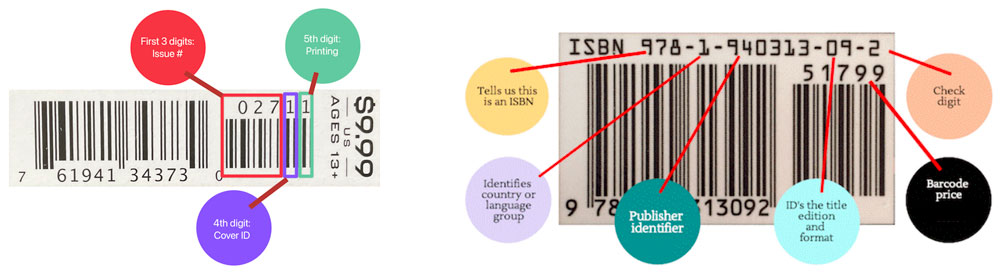
The Comet Standard has a good summary of the variety of different UPC types for comics. See this page for more details: Comic Book Barcodes Explained.
Comic books and TPBs often include supplemental codes printed to the right of the main UPC — issue numbers and price extensions. By default, the SocketScan S700 and S720 do not read those extensions. To capture them, set the scanner to Auto discriminate UPC/EAN With Supplementals by scanning a single configuration code from Socket Mobile's programming guide.
Before you scan the configuration code
Disconnect the scanner from your iPad or phone first by turning Bluetooth off on the host device. The scanner needs to be unpaired while it reads the configuration code.
How to configure the SocketScan S700
With Bluetooth disconnected, scan the following barcode.
Listen for a single long beep, which confirms the configuration was accepted.
Reconnect the scanner to your host device.

How to configure the SocketScan S720
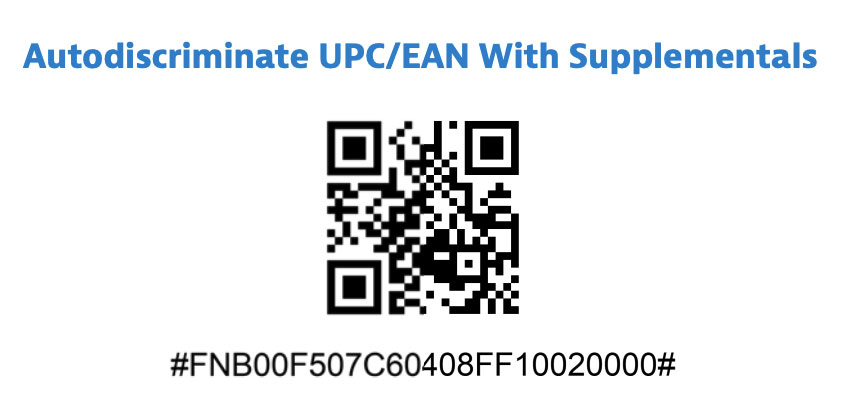
The S720 reads the same configuration as a QR code rather than a barcode.
With Bluetooth disconnected, scan the following QR code.
Wait for the success tone, then reconnect to your host device.
After configuration
The scanner now captures the supplemental digits along with the UPC. You can use the longer string to tell apart issues, variants, or price-coded supplements when scanning at the register or during check-in.
Other scanners
The Netum series of barcode scanners come in both wired and wireless versions.
These scanners are inexpensive with good customer support.
Netum NT-1228BC
Netum NT-1228BC is available directly from Netum, and from various online sources including Amazon.
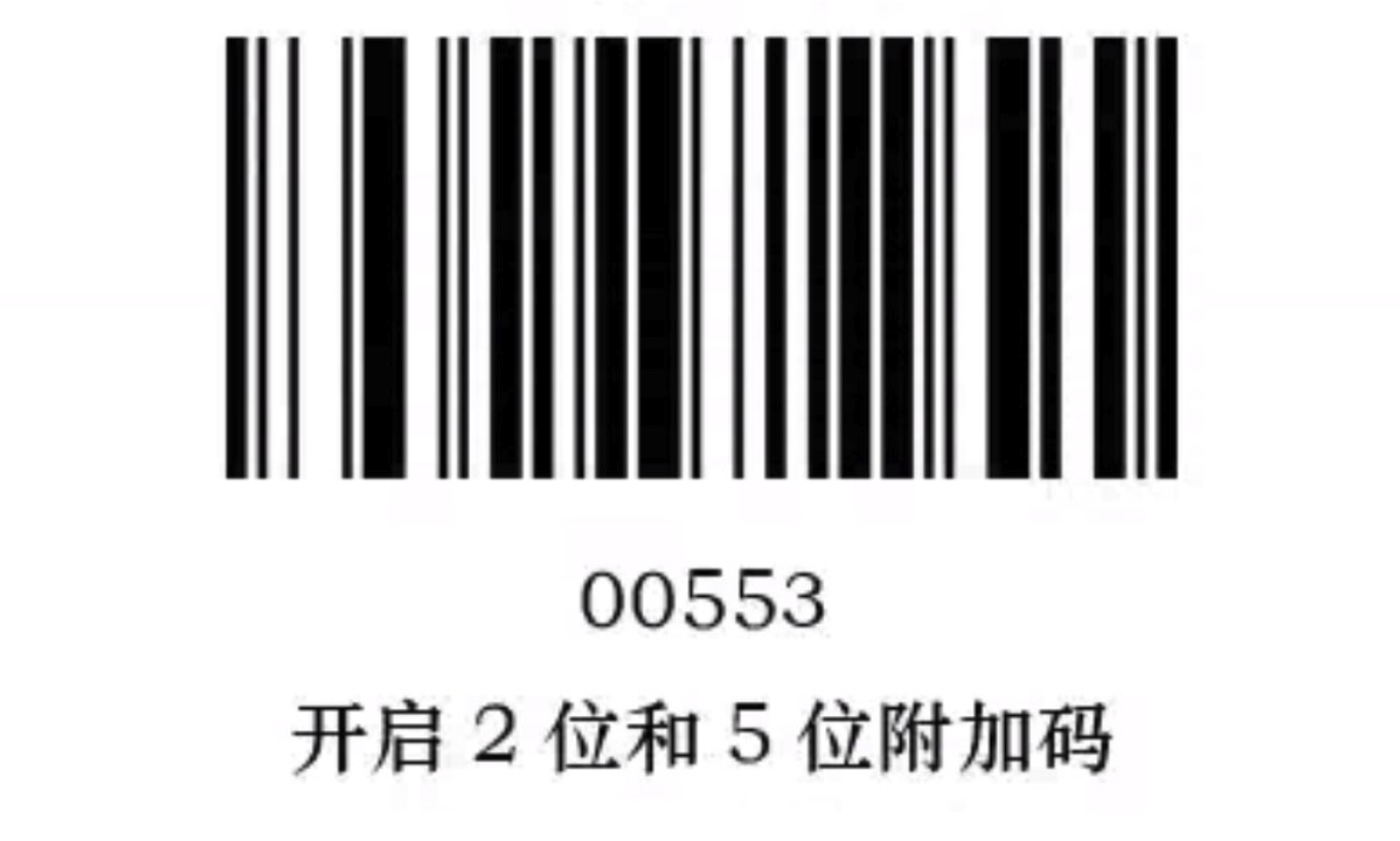
To enable UPC+5 and ISBN+5, scan these two codes: