

This article is written from the customer's point of view. It walks through what a subscriber sees and does when they sign up on your Ordo storefront. It is useful as a reference you can point customers to and as background for staff who help customers through signup.
How a customer signs up
Go to your shop's Manage Comics subscription page, usually at
yourstore.com/pages/managecomics.Click Sign In or Create Account.
Enter name, email, and shipping preference.
Open the verification email Shopify sends and click the link.
Log in with the new credentials.
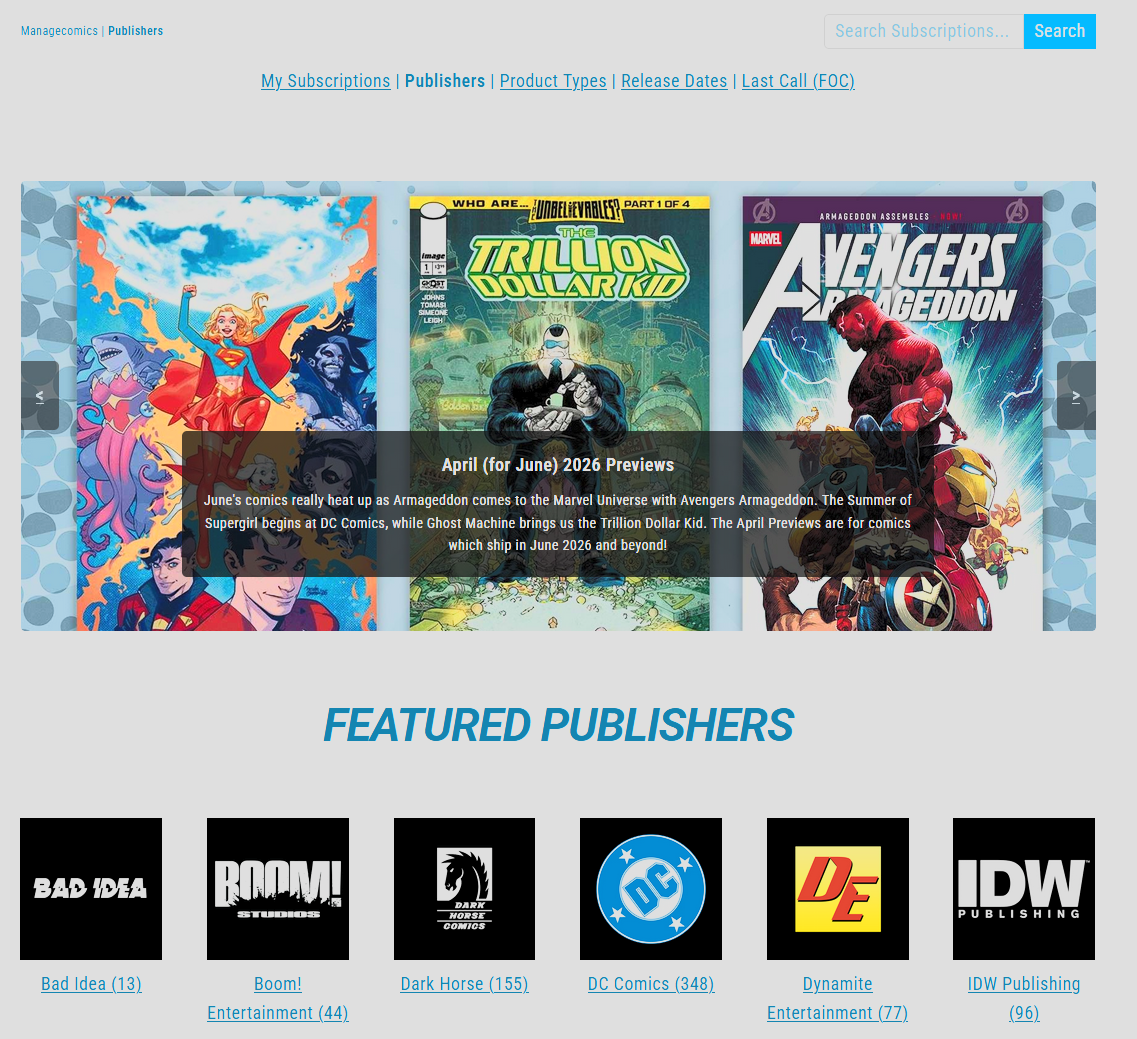
At this point the customer is a Shopify customer. On your Manage Comics side, they appear as a NEW subscriber waiting for approval. See Approve New Subscribers.
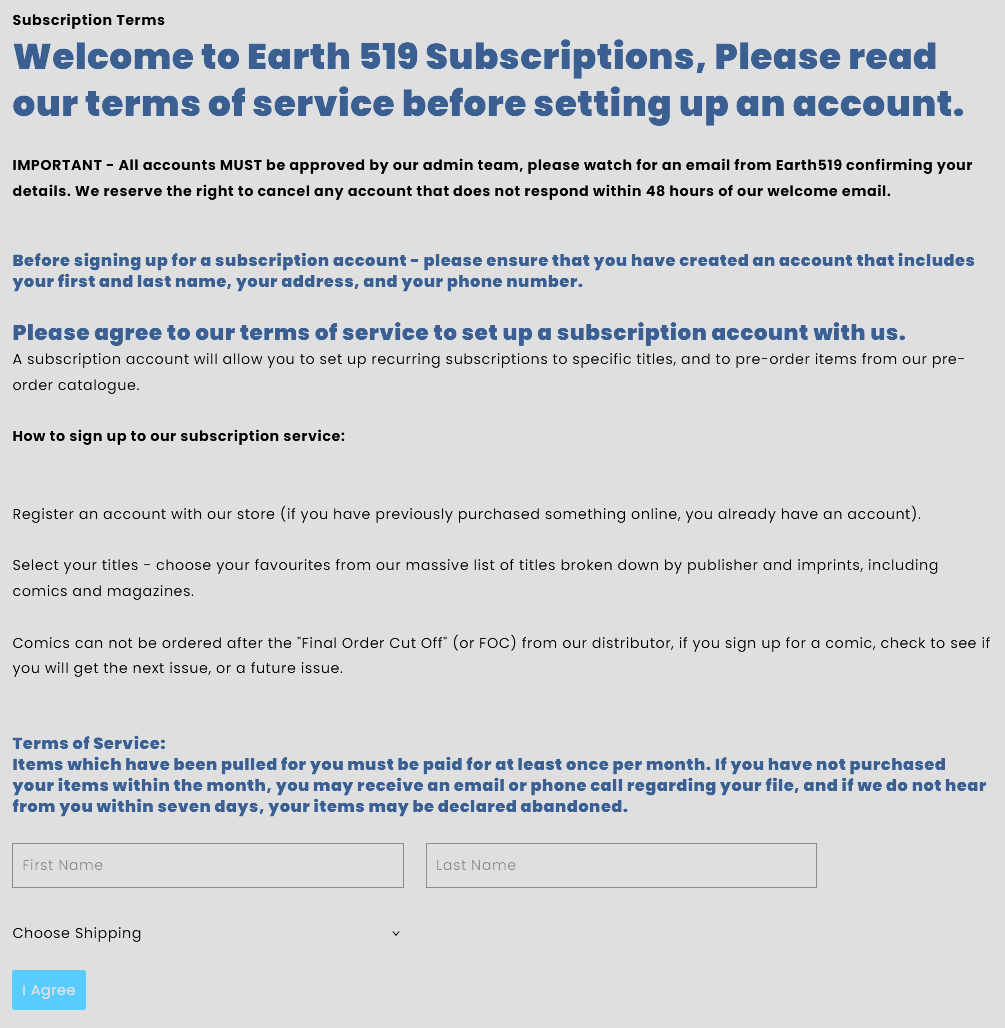
Terms of Service
When a customer first subscribes to a series or pre-orders an item, they will be prompted with your custom Subscription Terms and Terms of Service. Only after agreeing will a customer be allowed to place orders.
After approval
Once a shop admin approves them:
They appear in All Customers with Subscriber status.
They can subscribe to series, place pre-orders, and view their pull list.
They receive the weekly Pulls email when something has been pulled for them.
Common customer questions
"Why does my account say NEW?" They have not been approved yet. Approvals usually happen within a business day.
"I'm signed up but I can't subscribe to anything." Their account has not been approved yet. Confirm in Approve New Subscribers.
"I forgot my password." Shopify handles password resets. The link is on the login page.
Related
Approve New Subscribers — the shop-side approval step.
Log In to Shopify / Manage Comics — how customers log in.