

Your comic shop uses Manage Comics to run its pull list, and you can manage yours yourself: subscribe to series, pre-order specific covers, and see what's waiting for you at the shop. Subscribe once and every new issue of that series is set aside for you when it arrives. This page walks through the whole thing, start to finish.
Everything happens on your shop's own website, usually at yourstore.com/pages/managecomics. Every screen below looks the same at every shop; only the site's header and colours change.
1. Create your account
Go to your shop's Manage Comics page. If you're not signed in, the account area shows a Please sign in to Manage Subscriptions button.
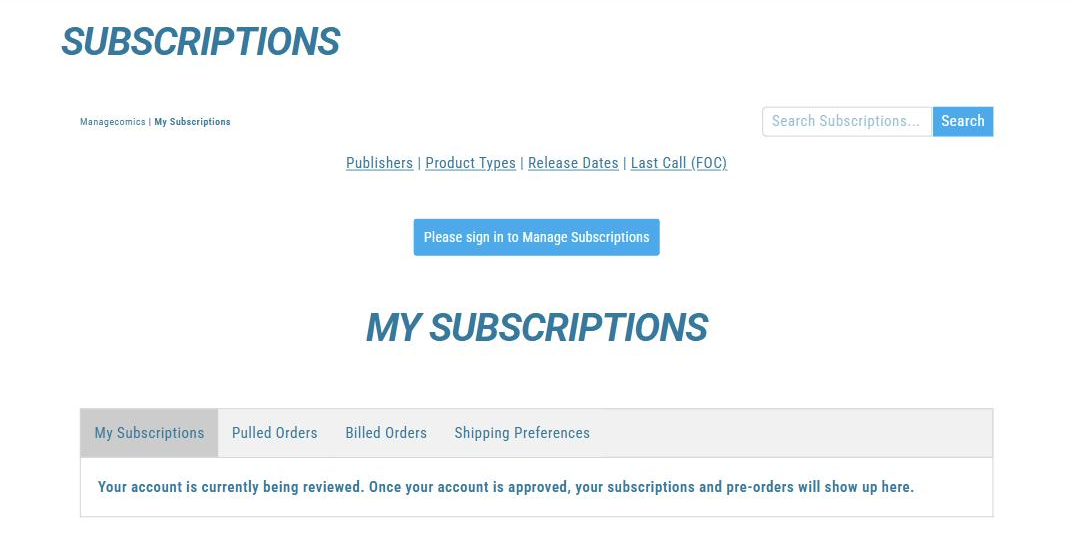
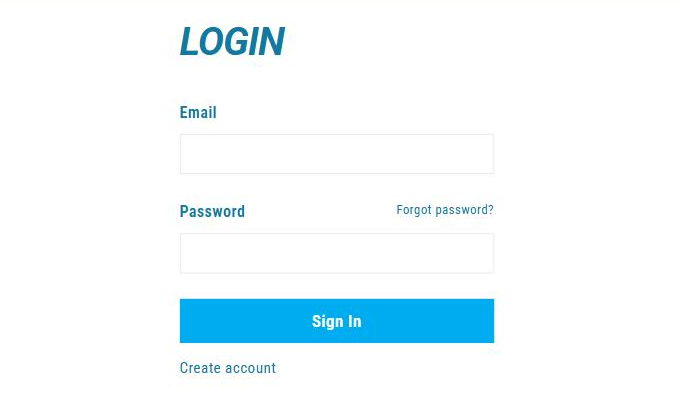
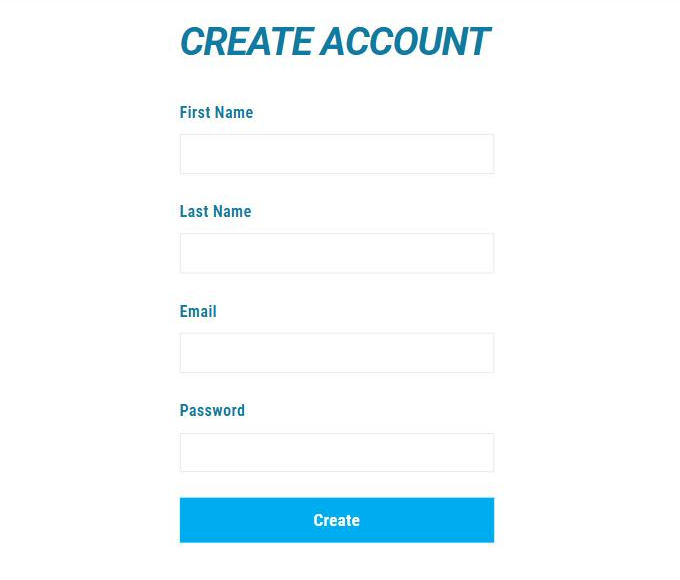
Sign-in is handled by Shopify, the platform your shop's website runs on. Depending on the shop, that's a Shopify account, a Shop login, or an email-and-password form with a Create account link. Use the same login you'd use to shop the store's website, and if you don't have one yet, create an account with your name and email.
2. Wait for approval
Your account shows as NEW after signup. The shop approves every account by hand, and most approvals happen within a business day. Until you're approved you can browse, but the subscribe buttons won't work for you yet — see the questions at the end of this page.
3. Find your comics
The navigation bar at the top of every Manage Comics page is the whole map: My Subscriptions, Publishers, Product Types, Release Dates, and Last Call (FOC), plus a search box.
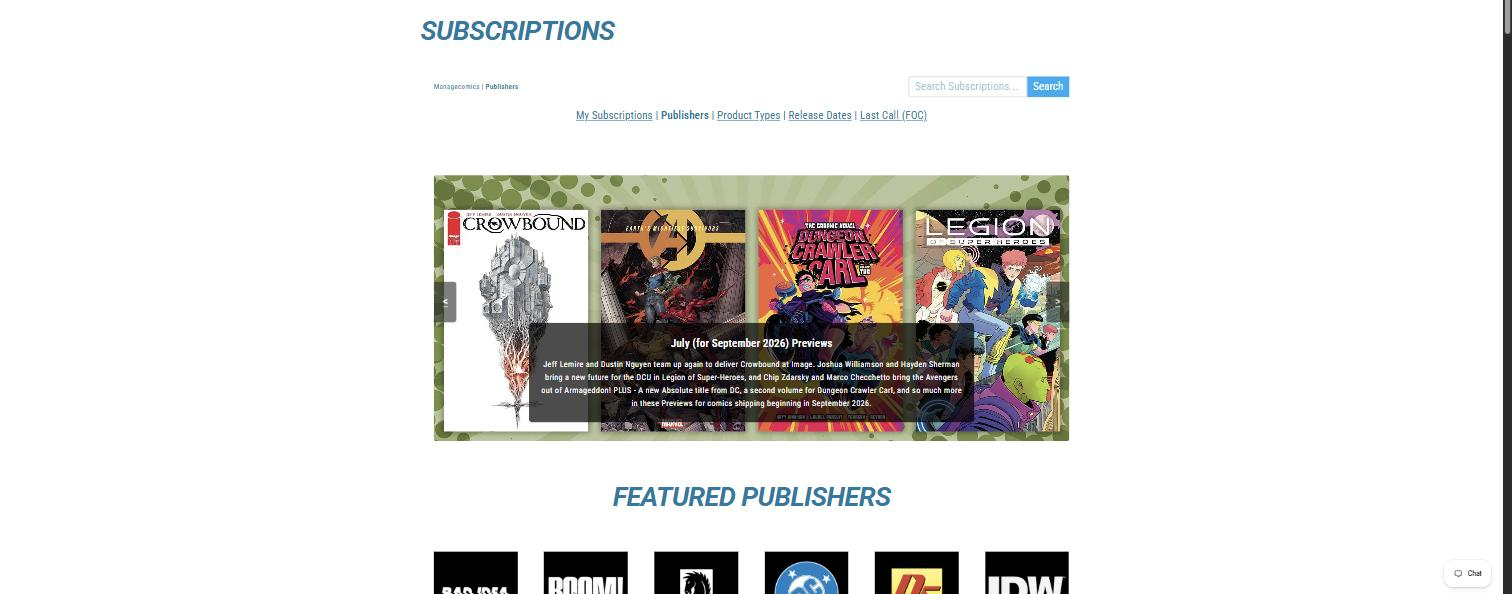
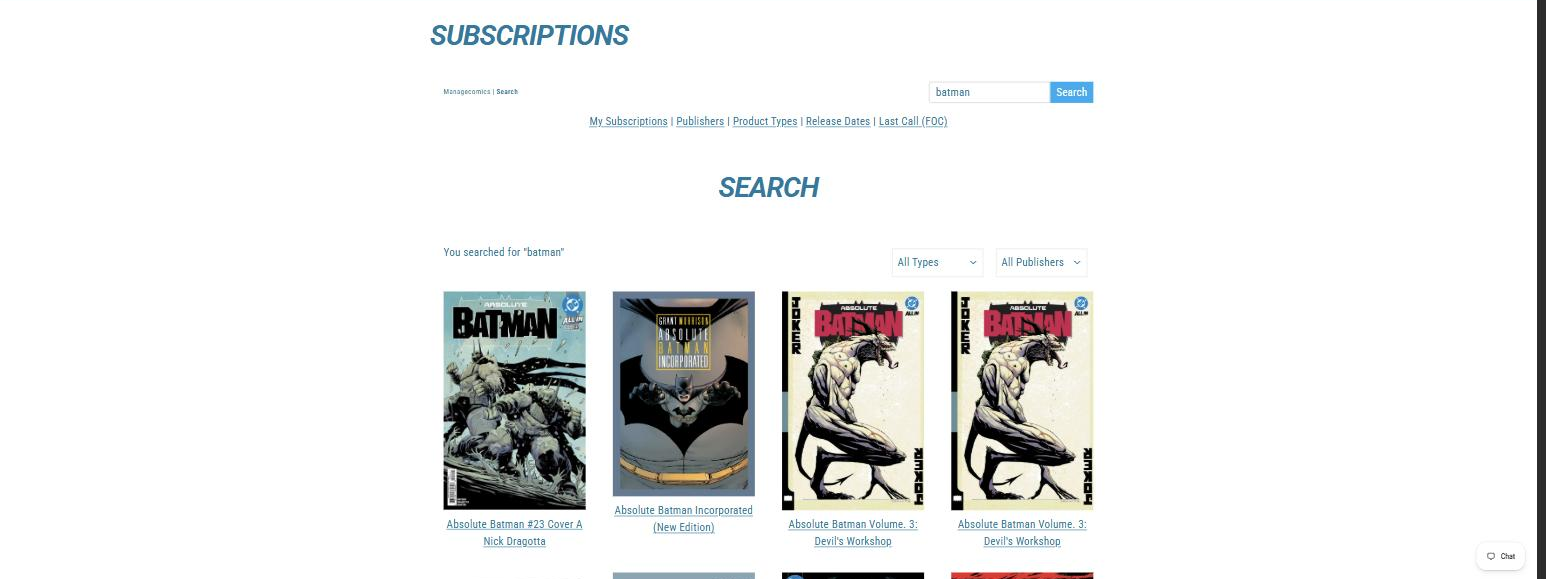
Search — type a title in the box and hit Search.
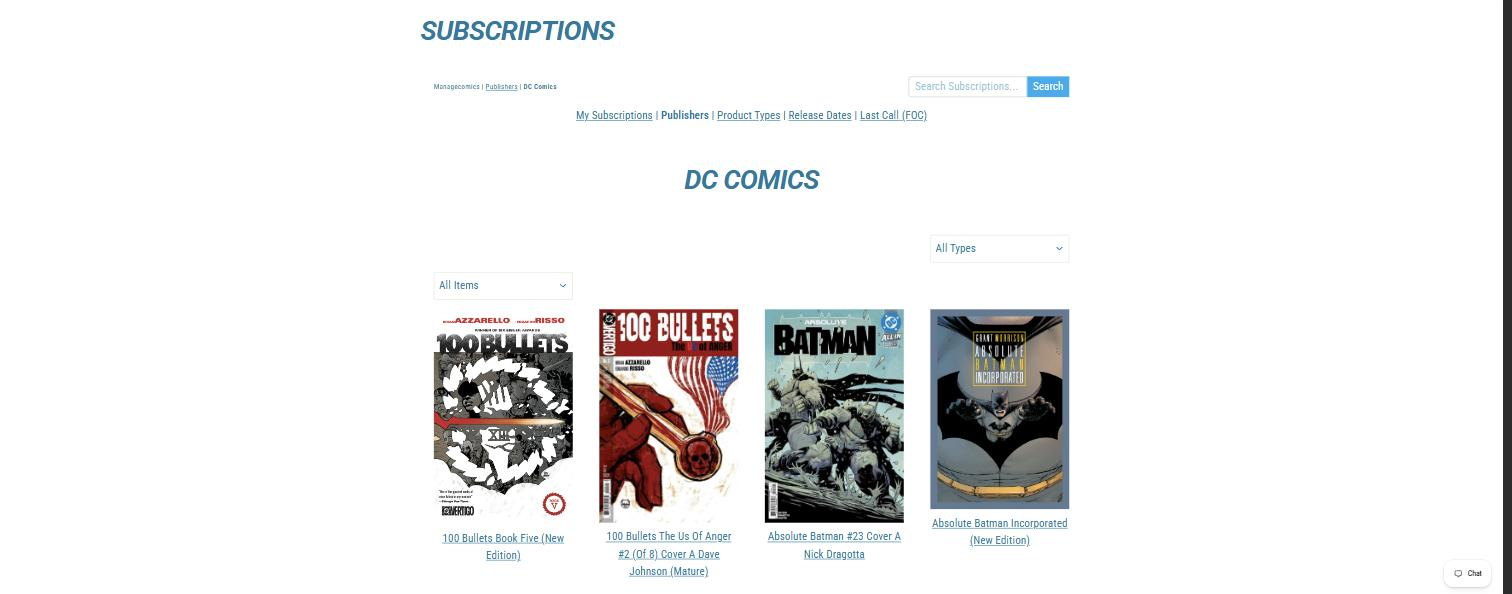
Publishers — featured names first, then every publisher A to Z. Open one to browse everything they publish.
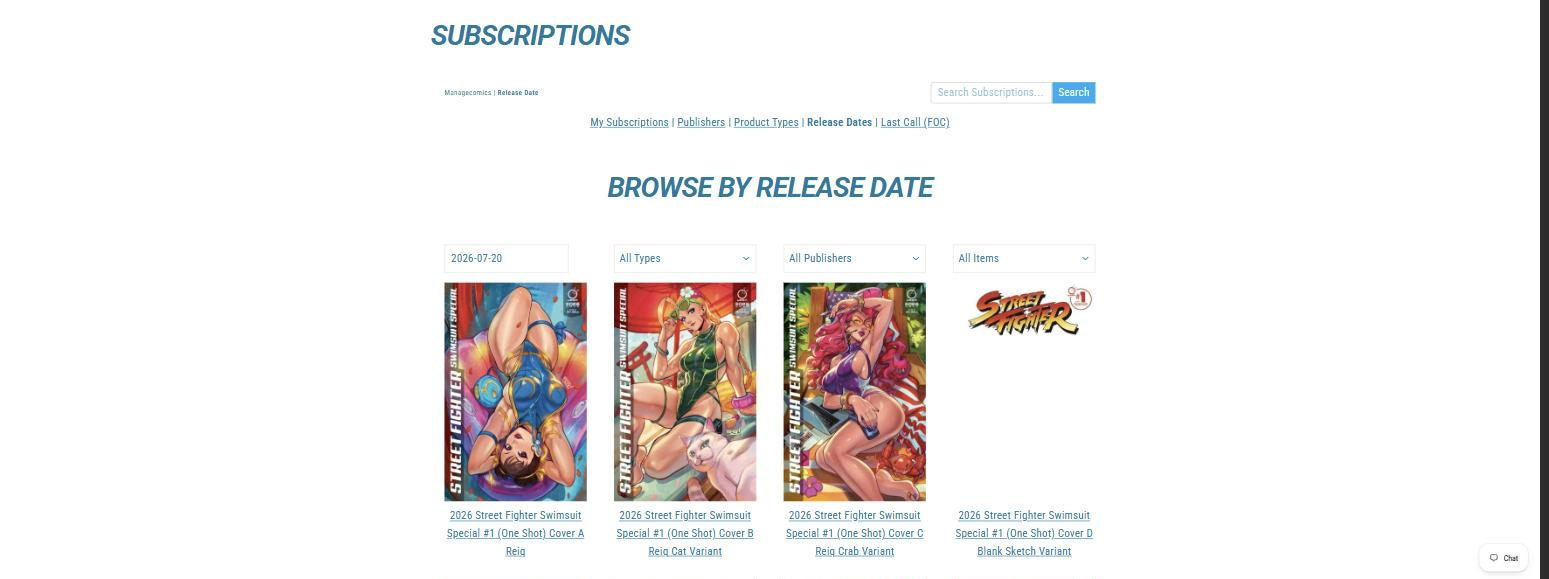
Release Dates — everything landing on a given Wednesday.
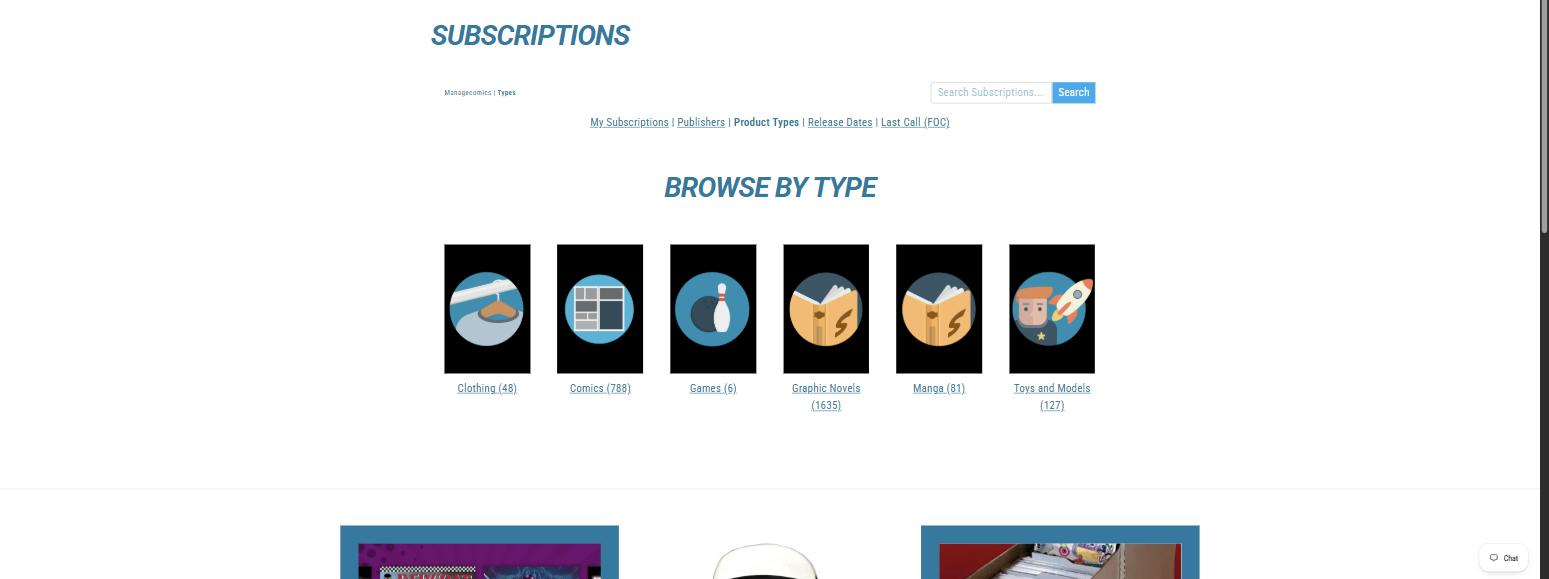
Product Types — comics, trades, manga, and everything else, split out.
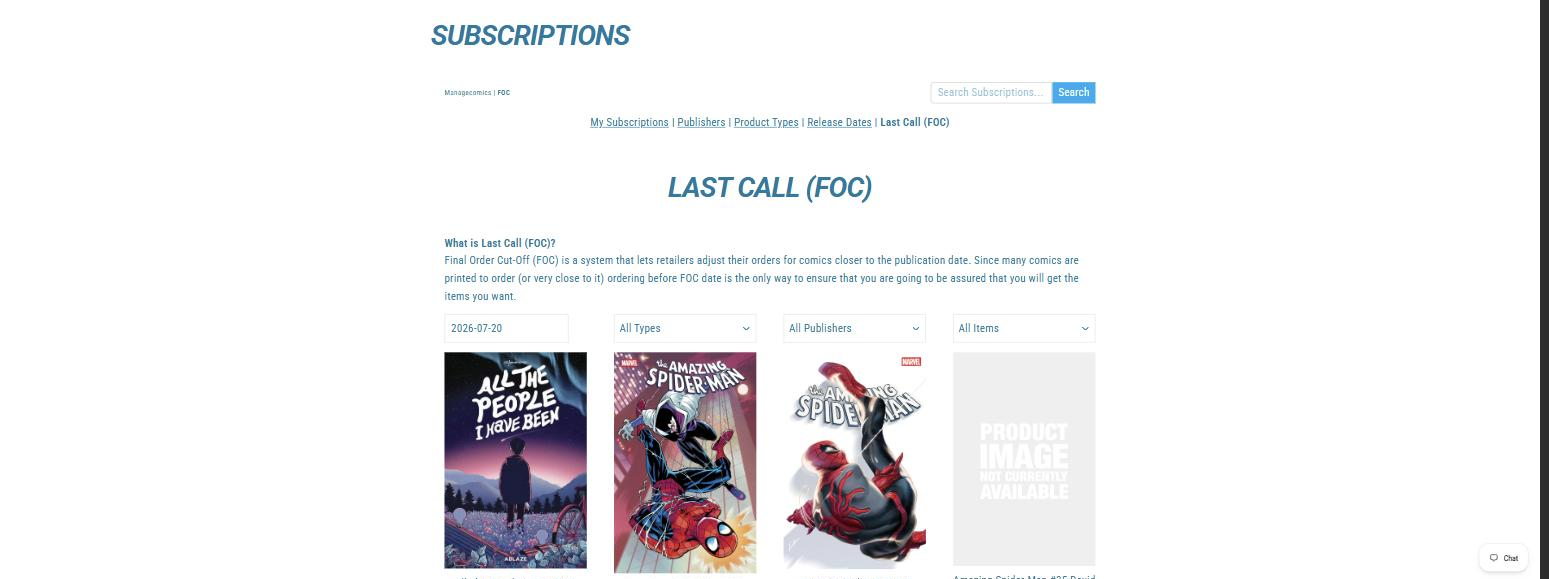
Last Call (FOC) — books at Final Order Cutoff, the last date the shop can adjust its order. Many comics are printed to order, so pre-ordering before FOC is the only way to be sure you get the book you want.
4. Subscribe to a series
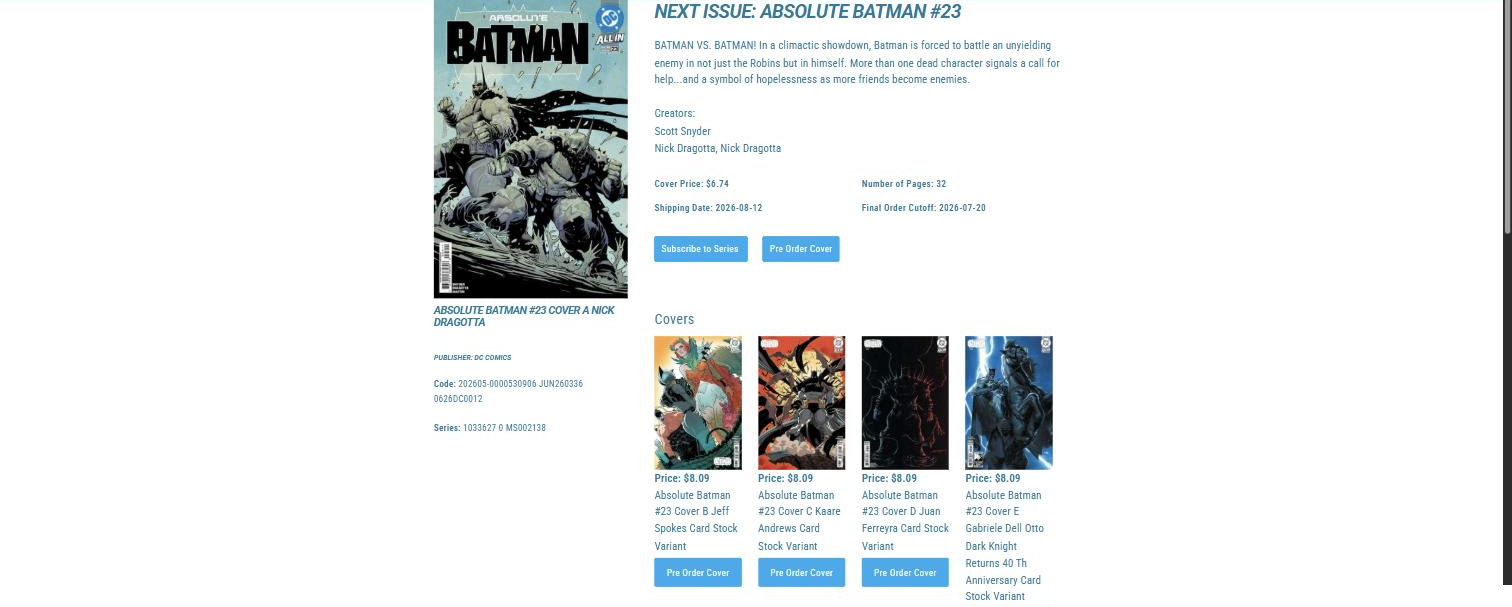
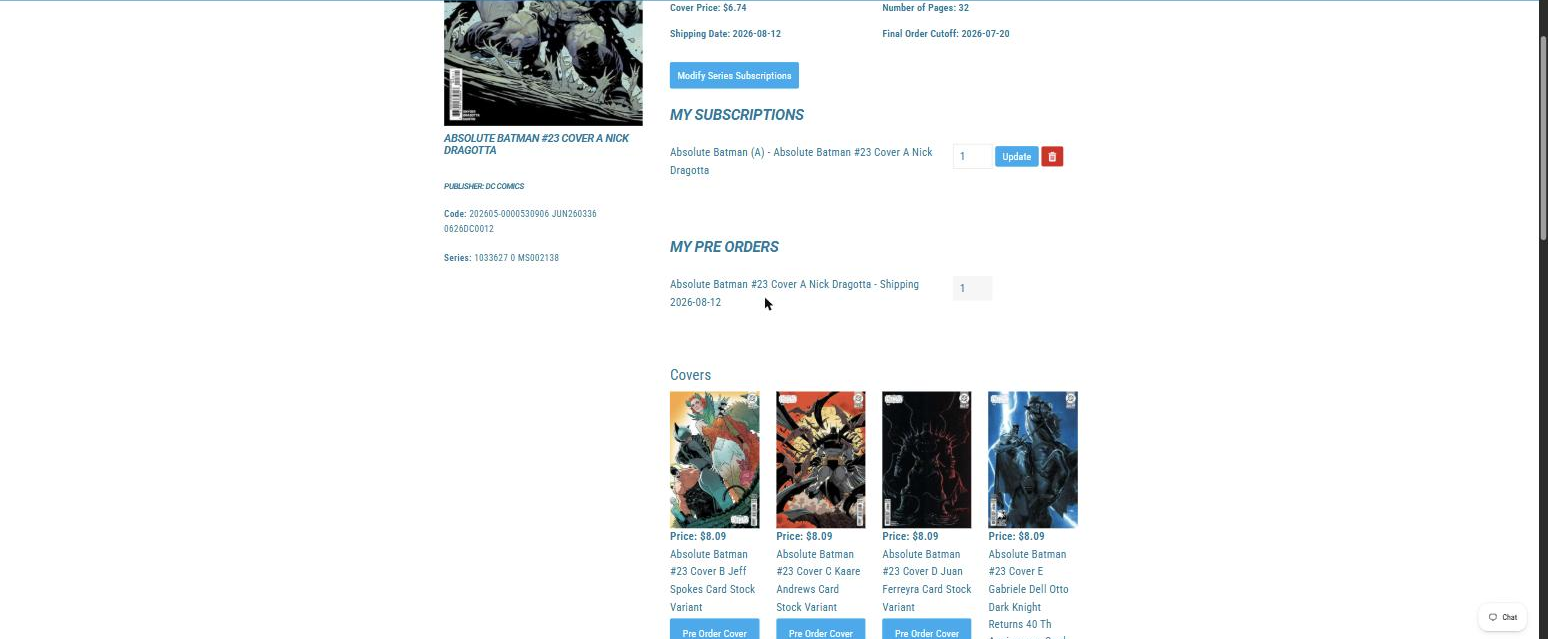
Open any series and you'll see the next issue with its price, shipping date, and Final Order Cutoff, and two buttons underneath: Subscribe to Series and Pre Order Cover.
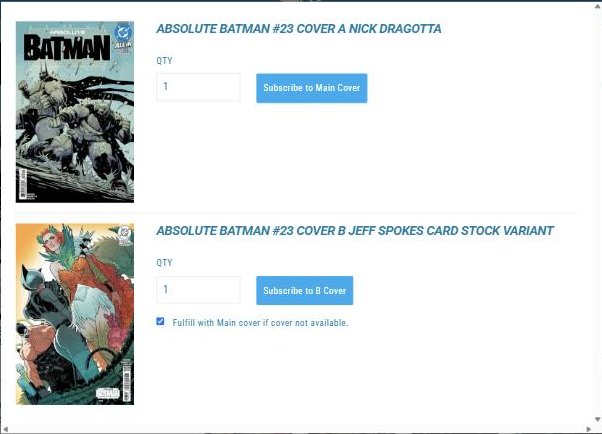
Click Subscribe to Series and the cover-choice window opens. Pick Main Cover, or the variant cover; if you pick the variant, tick Fulfill with Main cover if cover not available so you still get the issue when the variant doesn't arrive.
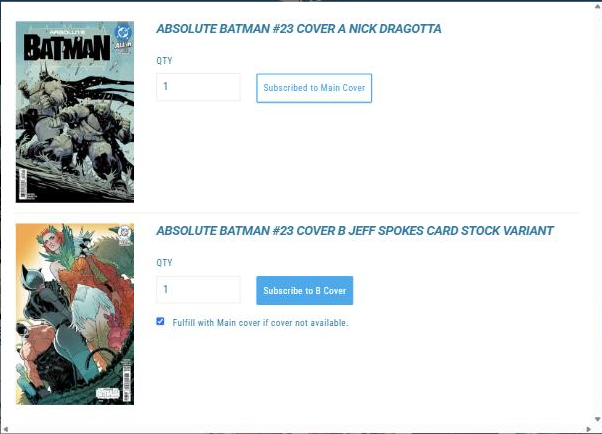
From then on, every new issue of the series lands on your pull list. The series page also changes: the button becomes Modify Series Subscriptions, and your subscriptions and pre-orders are listed right on the page.
5. Pre-order single covers
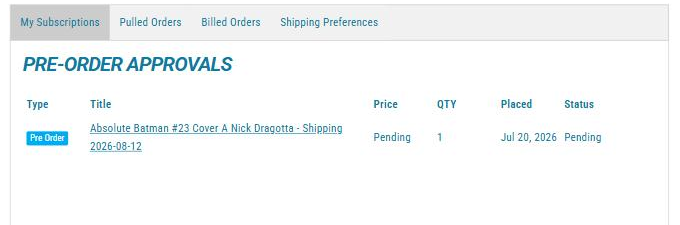
Want a one-shot or a specific variant without following the whole series? Click Pre Order Cover under the cover you want. The shop reviews each pre-order, so it shows as Pending in your account until they approve it. Once the status changes, the book is yours.
6. Pick up your books
When the shop pulls comics for you, you get an email that week. Your books are set aside under your name, ready for pickup or shipping, whichever you've arranged with the shop.
Your account, four tabs
Click My Subscriptions in the navigation. Everything about your account lives under four tabs.
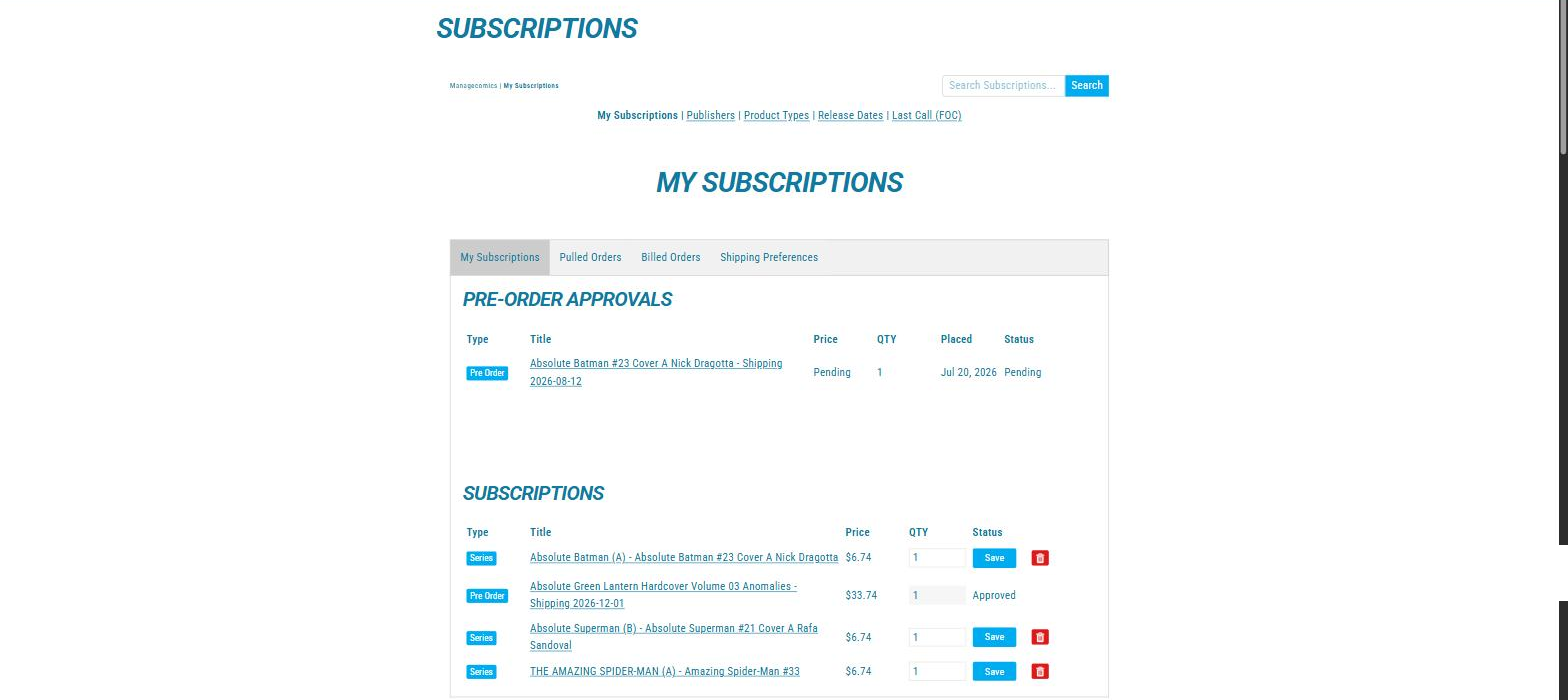
My Subscriptions holds your Pre-Order Approvals (Pending and Approved) and the series you follow, each with a quantity, a Save button, and a remove control.
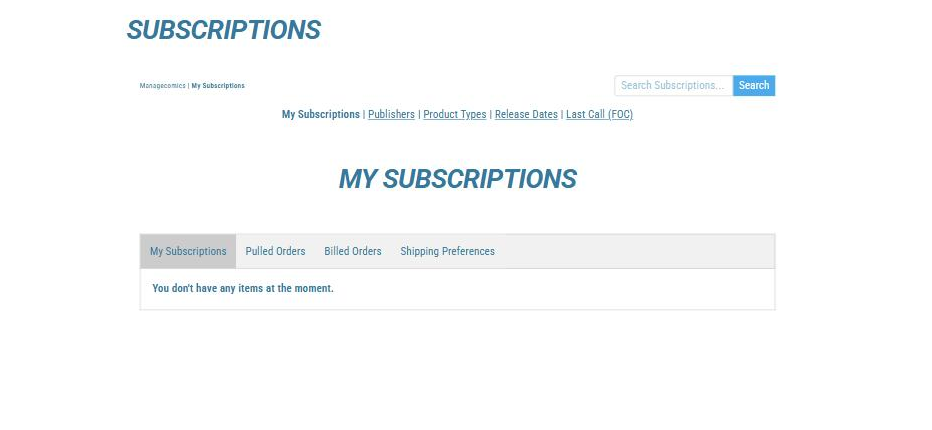
Before you subscribe to anything, the tab is empty. That's your cue to go find some comics.
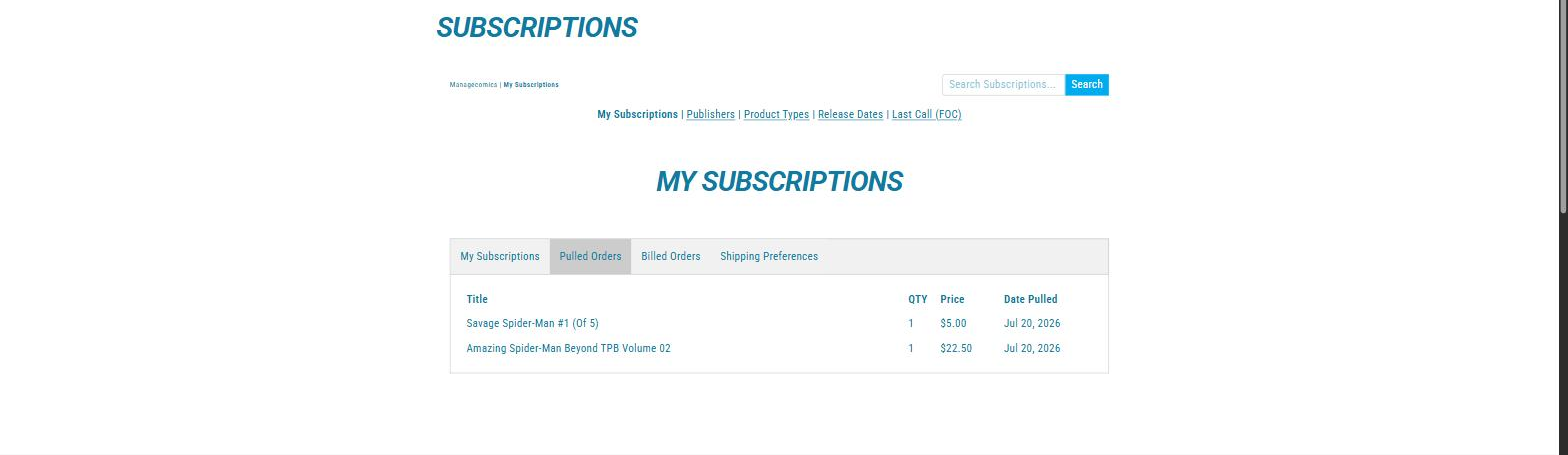
Pulled Orders lists the books the shop has pulled for you, with the date each was pulled.
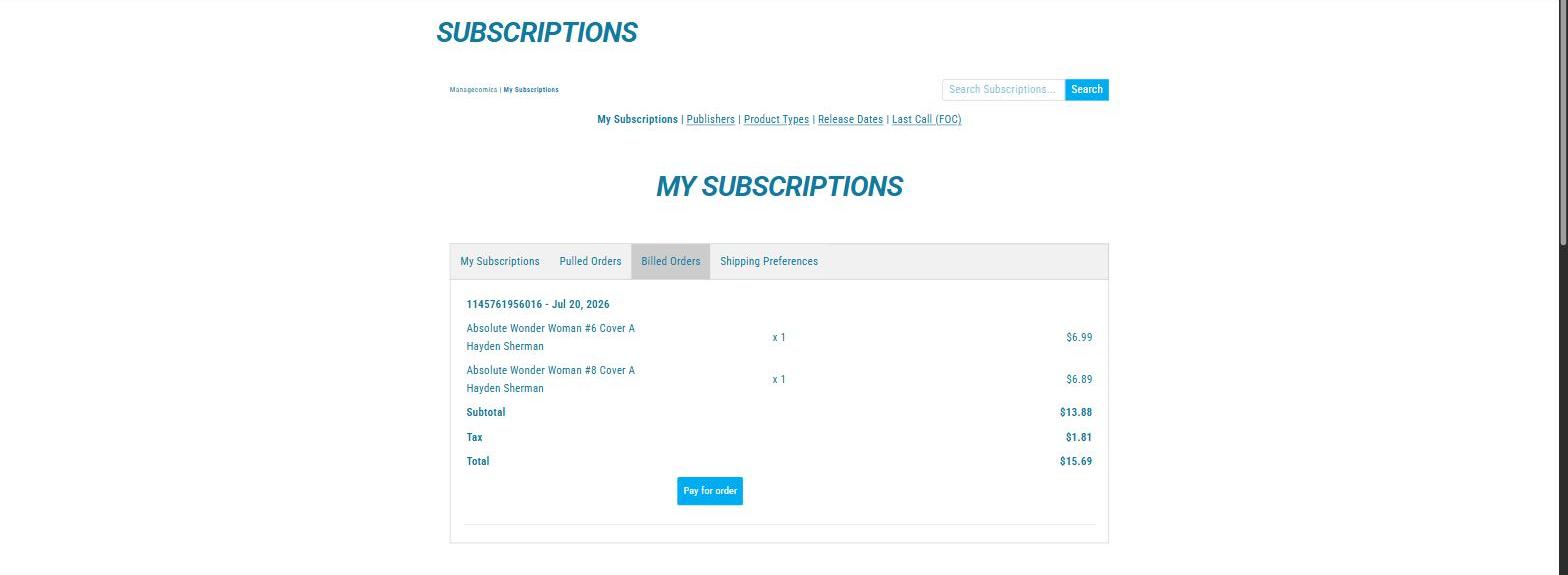
Billed Orders shows billed orders with line items, subtotal, tax, and total. The Pay for order button lets you pay online before you come in.
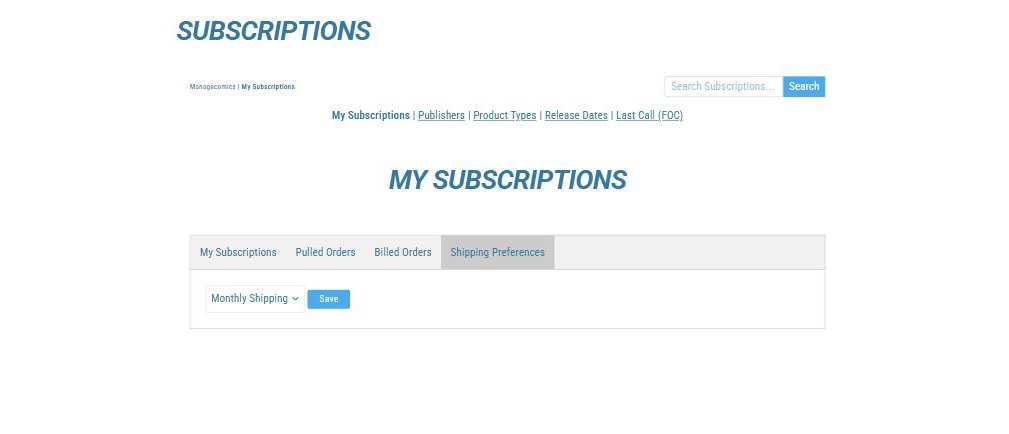
Shipping Preferences sets how and how often your books ship, if your shop ships.
Common questions
Why does my account say NEW? The shop approves every account by hand, and NEW means yours is in the queue. Most approvals happen within a business day. If it's been longer, ask at the shop and they'll approve you on the spot.
I'm signed up, but I can't subscribe to anything. Your account is probably still marked NEW and waiting for approval. See the question above.
I forgot my password. Sign-in runs through Shopify, so use the Forgot password link on your shop's login page and you'll get a reset email. Check your spam folder if it doesn't arrive within a few minutes.
I unsubscribed, but a book still came in for me. Comics are ordered weeks ahead at Final Order Cutoff, so when you unsubscribe, the next issue may already be ordered with your name on it. That last book still arrives; everything after it stops. Ask at the shop if you'd like to sort out a book you didn't expect.
Can I pay before I come in? Yes. Once the shop bills an order, open your Billed Orders tab and click Pay for order. Your books are paid and waiting when you arrive.