

Held Back Products is a feature for shops that don't want to allocate 100% of an initial order to customer pulls and pre-orders. The default behavior in Manage Comics is to commit the full initial quantity to customers, which works for a lot of shops — but for shops that keep an untouched reserve (for walk-ins, late sign-ups, or replacement copies), Held Back is the setting that carves out that reserve at check-in.
The Concept
If you chose to reserve a product to prevent it from getting "snapped up" at the time of check-in, you can review the items you've reserved here.
You can also find items that were removed from someone's pull file.
This gives you the ability to either move the remaining quantity to your Shopify stock, or to completely remove it from the system so it will no longer be counted.
Where to Configure
Ordo: Apps → Manage Comics → Products → Held Back.
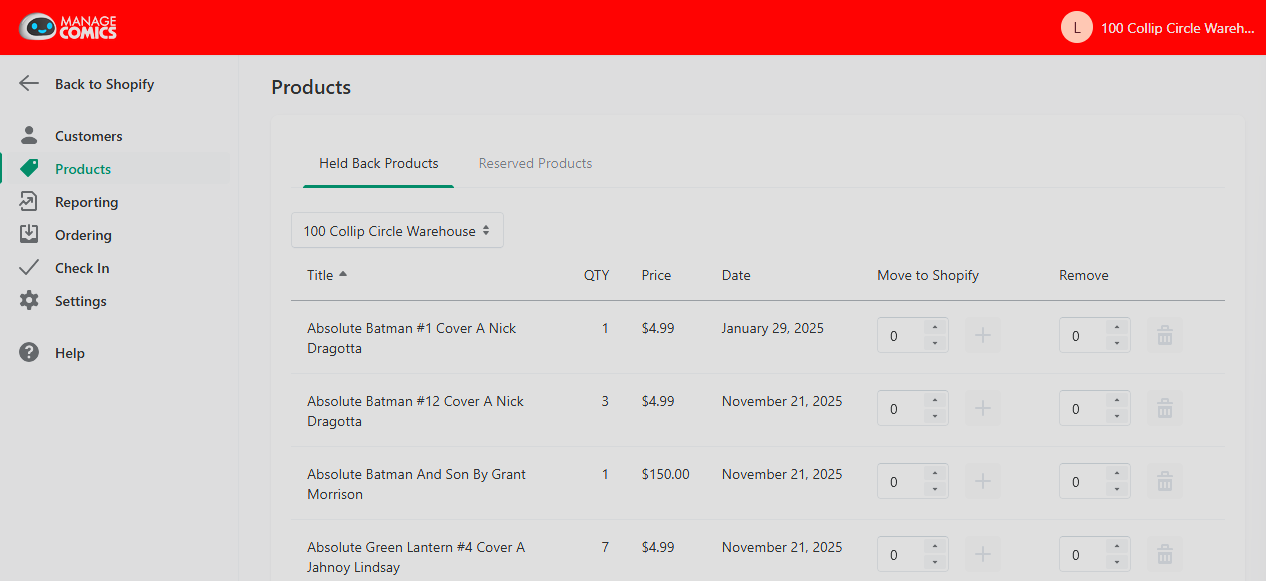
You'll see a list of titles with a Held Back quantity applied.
Setting a Held Back Quantity
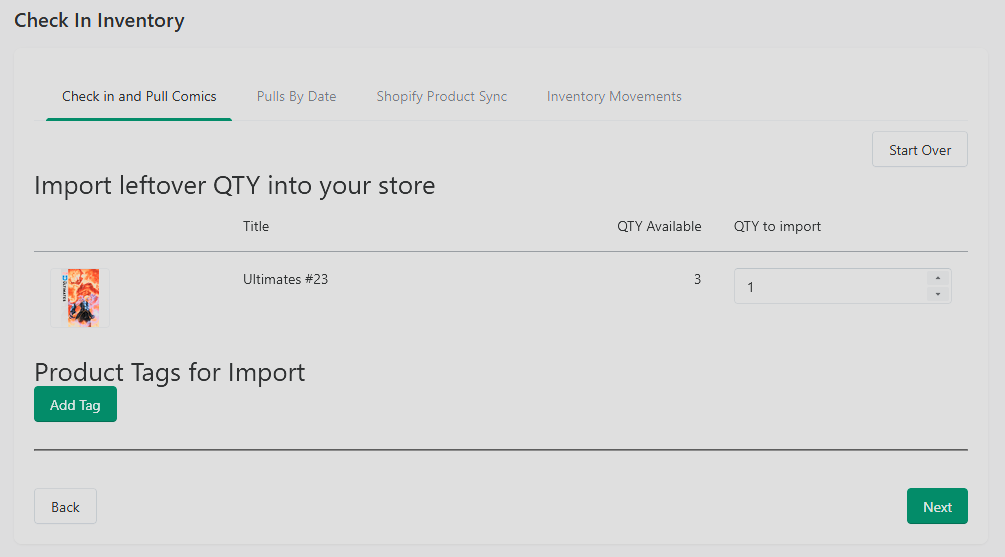
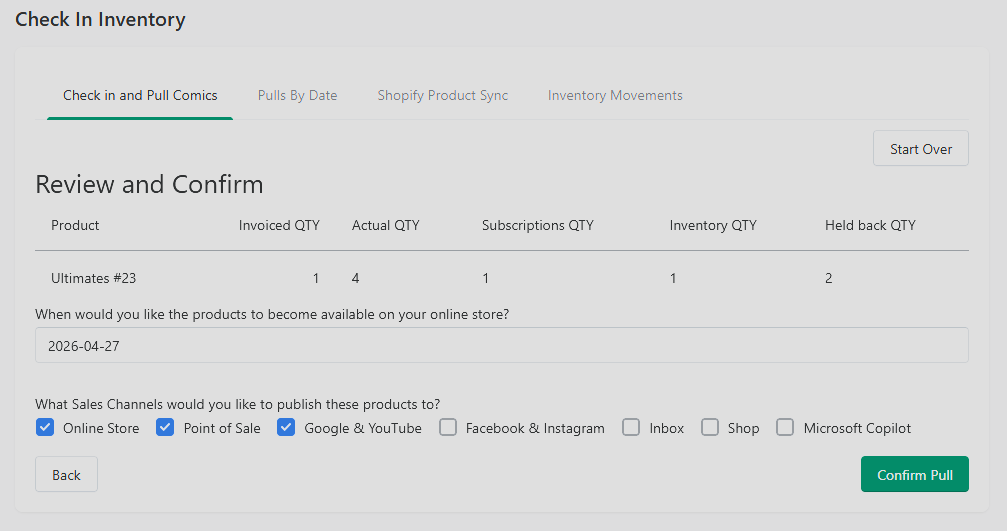
During check-in any available quantity that is not imported to the store will automatically be marked as Held Back.
Releasing Held Back Copies
Any held back items can be moved to your Shopify inventory or removed from both inventories entirely.