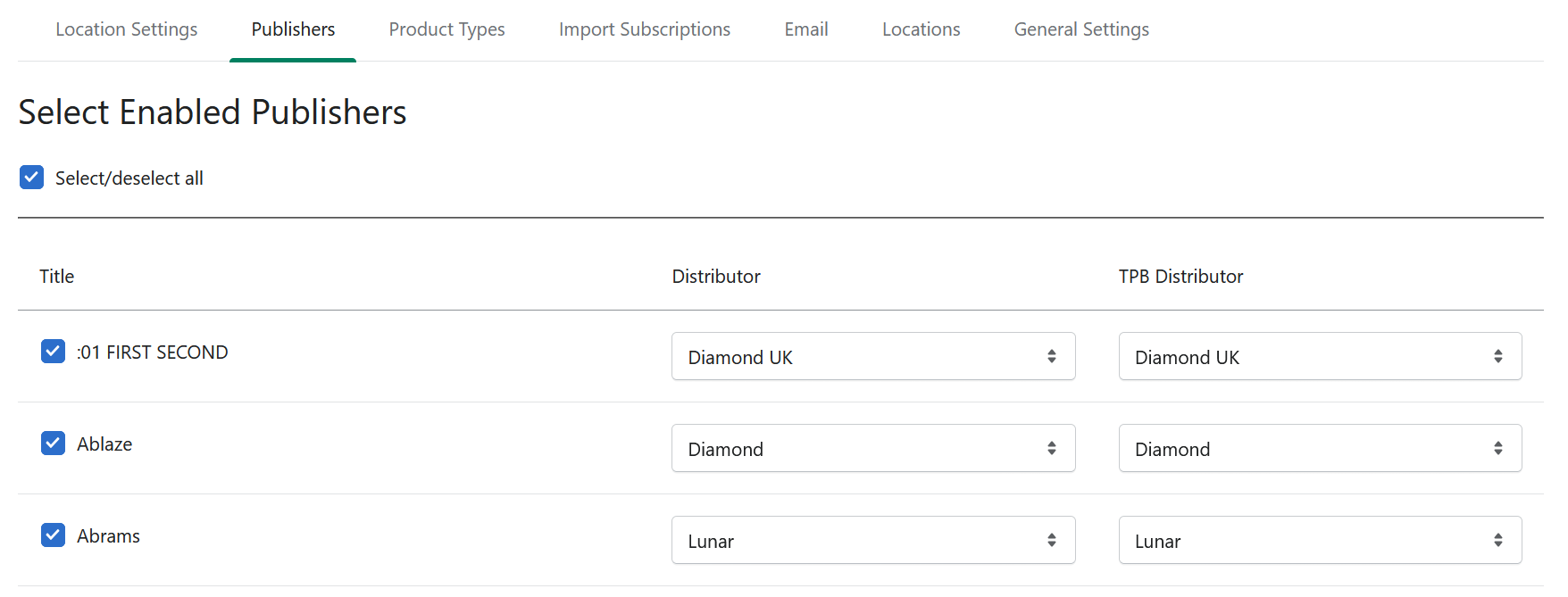
The Publishers setting allows you to enable or disable availability of publishers, as well as set your preferred distributor.
Show the publishers you have access to, and set your distributor
1
Go to Settings > Publishers
2
By default all publishers will be displayed
Check local distribution rules. Some countries are not allowed or do not have access to specific publishers or distributors.
3
You can remove publishers to simplify your store listings
Enter your description here
4
Select distribution options per publisher
Use the dropdown menu next to each publisher to designate which distributor you want your Initial Orders and FOC orders to go to.
5
Save your changes
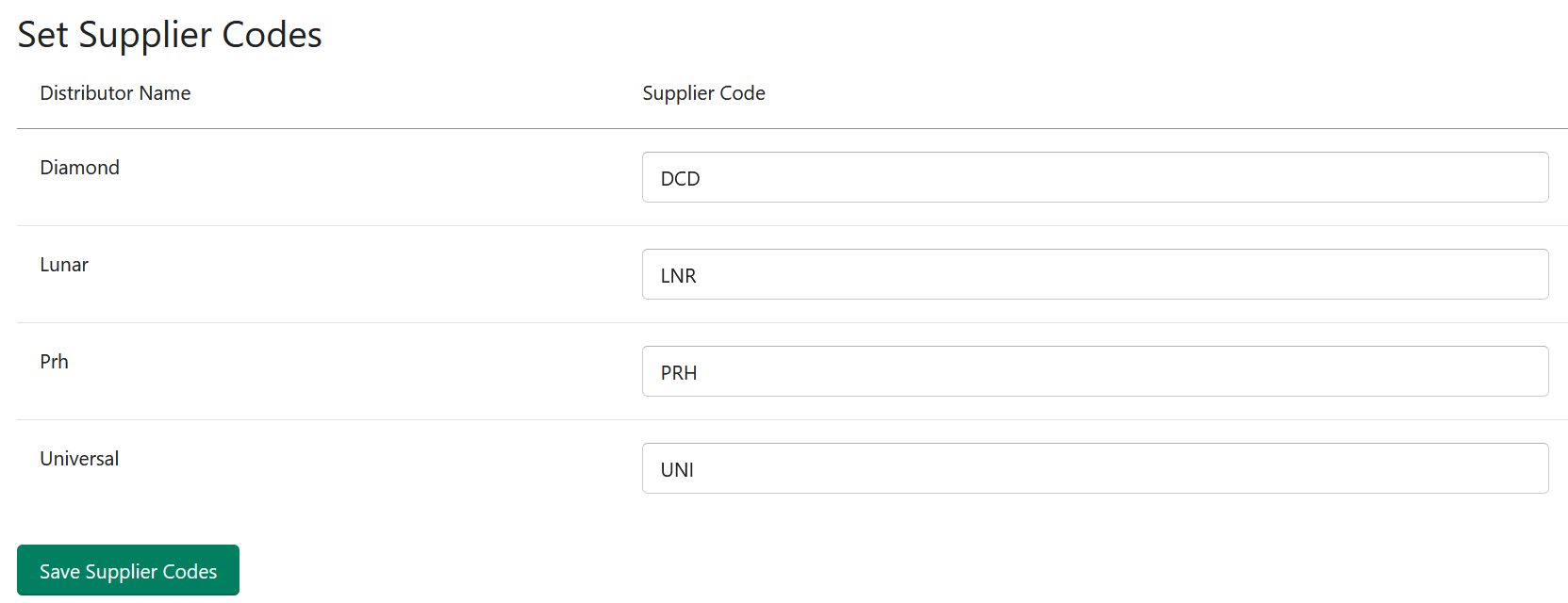
ORYX - Supplier Codes
If you use RMH and require Supplier Codes, set and save them here.