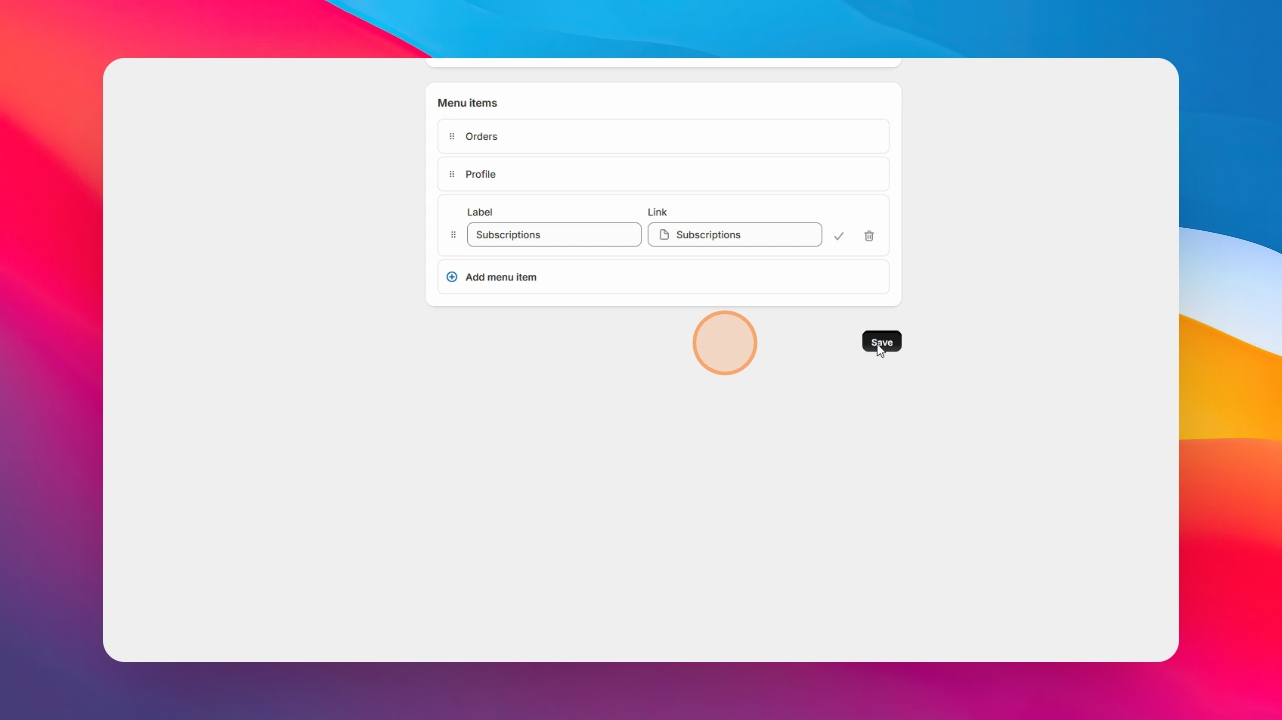
To add Manage Comics to your navigation, first go to the Shopify Admin page, then click Content, Click Menus, Click main menu, Click add menu item, Label the new menu item we usually recommend Subscriptions or Pull List. Let's look at the steps:
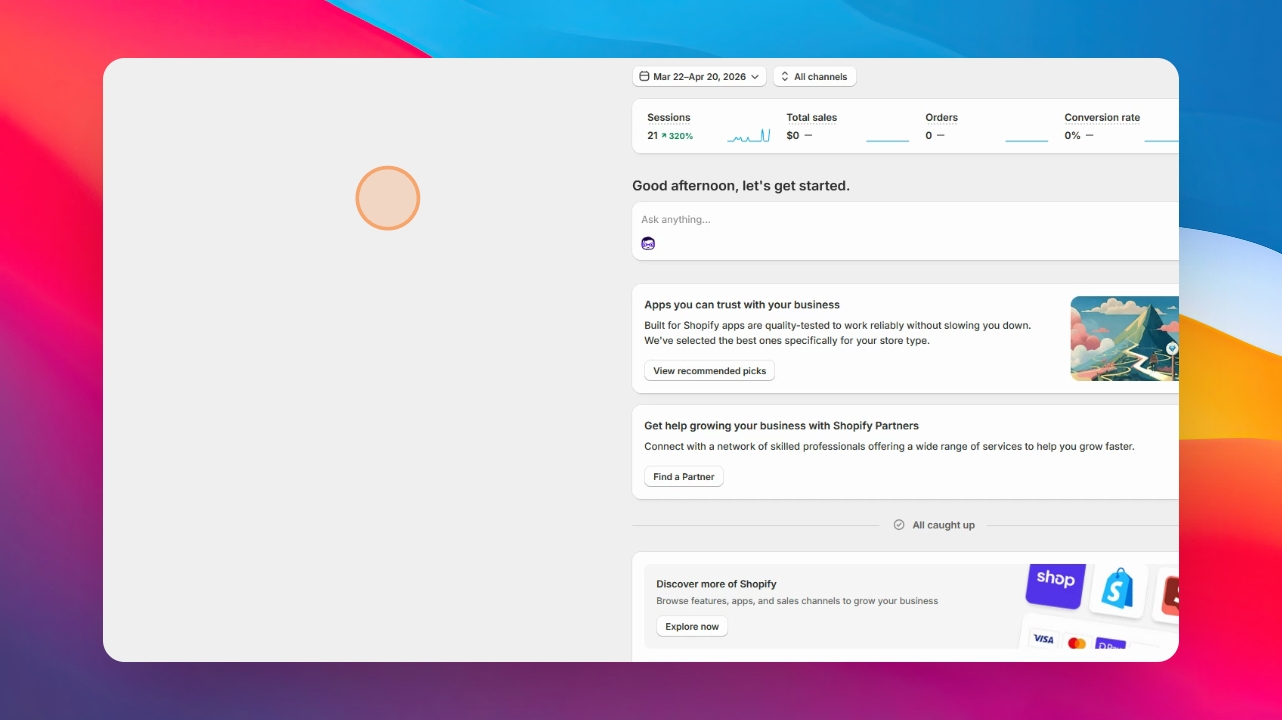
Step 1: Add Menu Item
Click Pages, navigate to and click Subscriptions.
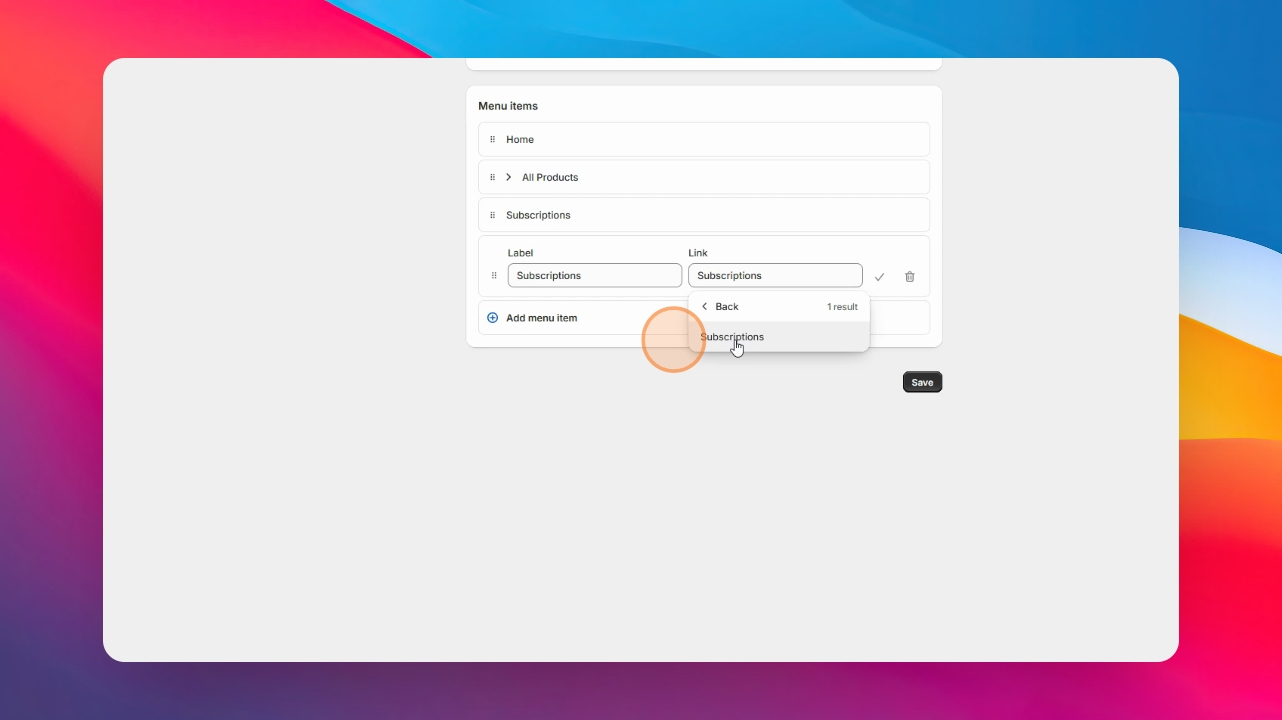
Step 2: Save Changes
Click Save your changes.
Then to add Manage Comics to your Customer Accounts menu, first we need to modify our Customer Accounts.
Step 3: Modify Customer Accounts
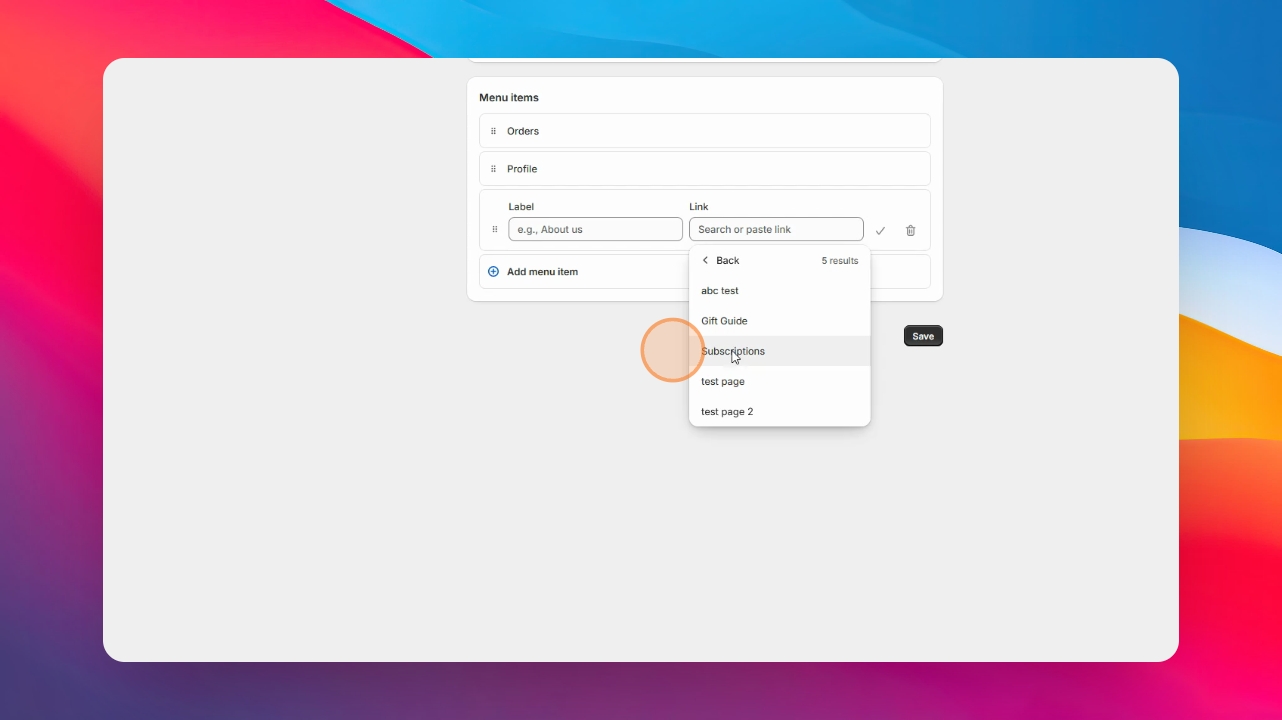
Click Content and menus, Click Customer Account main menu, click Add Menu Item, Click the Link field, and then Pages.
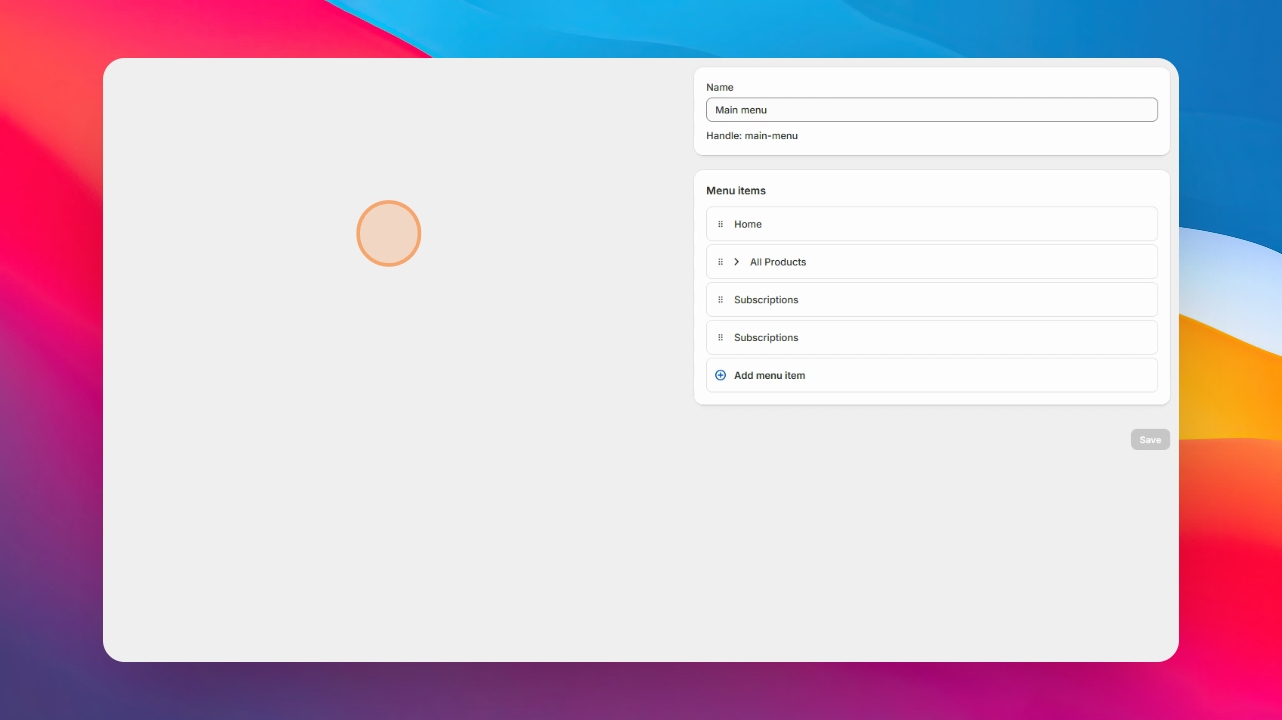
Step 4: Add Subscriptions
Navigate to and click Subscriptions.
Step 5: Save Customer Account
Click save.