

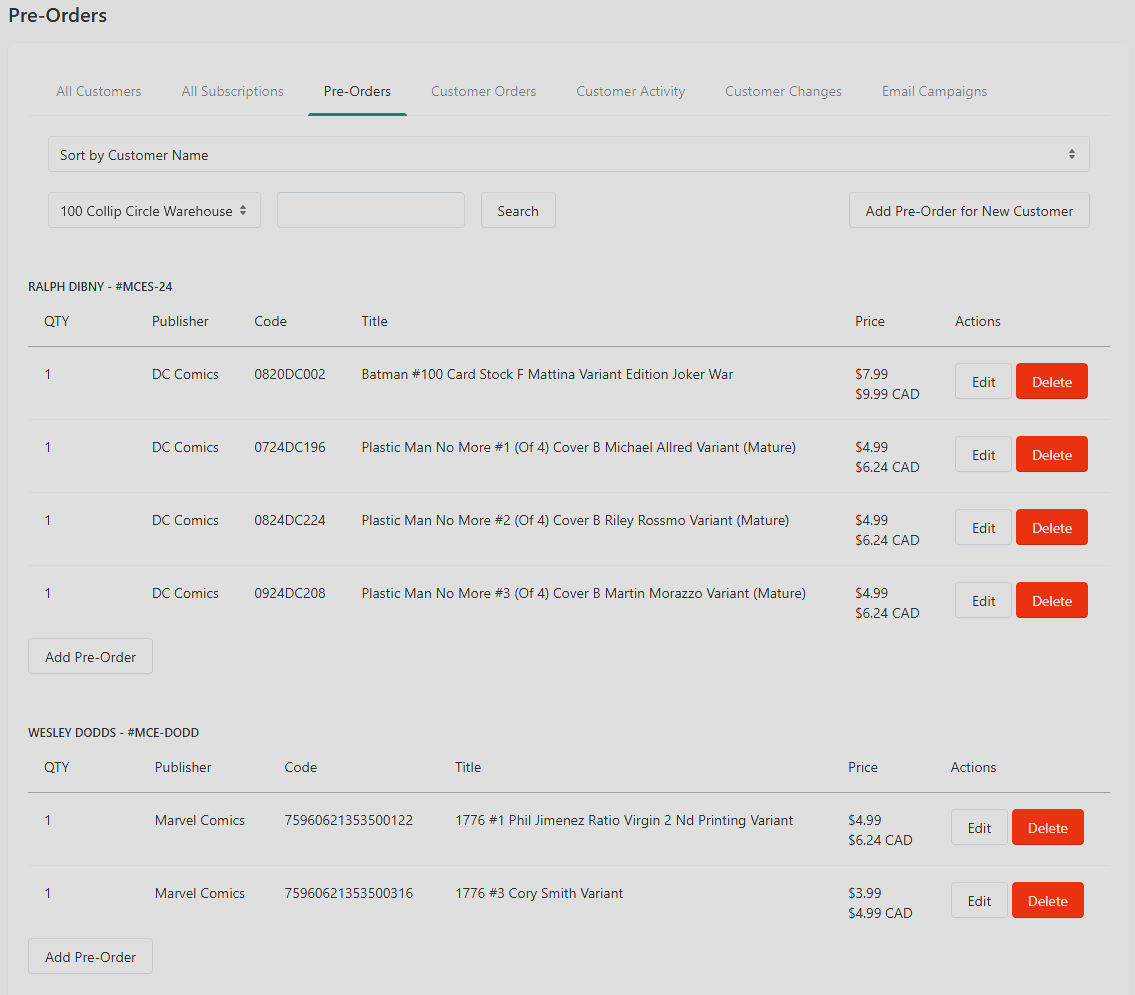
The Pre-Orders tab gives you a fast, title-oriented view of every active pre-order across your shop. It's the complement to Customer Activity (which is narrowly focused on approval status) — this tab shows everything currently open, approved or pending.
Where to Find It
Customers → Pre-Orders.
What You See
All active pre-orders across your customer base, with who's pre-ordering what.
Typical Uses
Verifying counts before FOC. Before finalizing FOC, skim this list to confirm all declared pre-orders are reflected.
Spotting low-demand pre-orders. Titles with just one or two pre-orders are candidates for a nudge — email those customers to confirm they still want them.
Fulfillment prep. When pre-ordered product arrives, this list tells you which customer orders need attention on arrival day.