

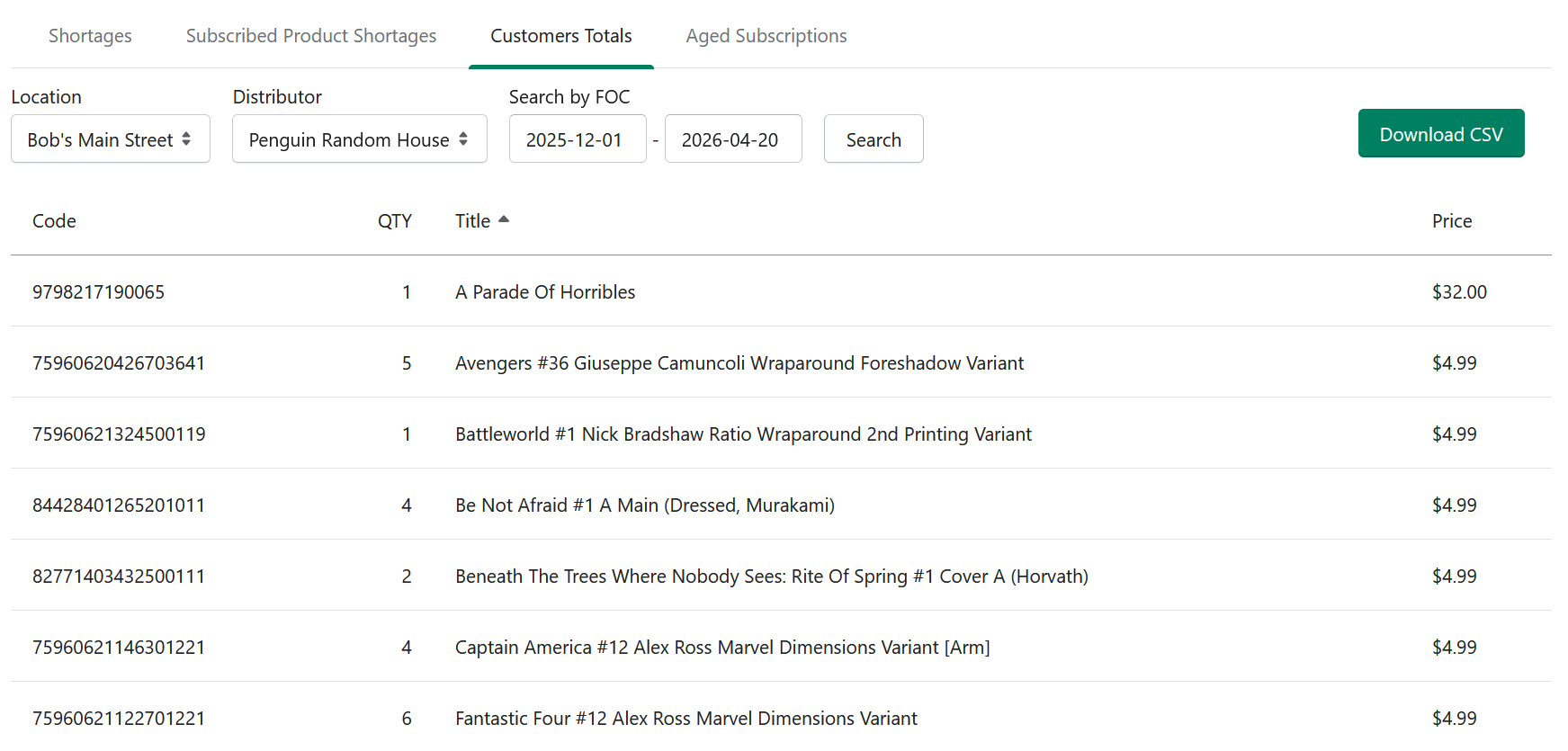
This section lets you filter by Location and Distributor and search by FOC date range to see total product demand. It is useful when you want a clearer picture of what customers need across one store, one location, or one distributor.
How to use Customer Totals
Open Reporting.
Click Customer Totals.
Select a Location if needed.
Select a Distributor if needed.
Enter the FOC date range you want to review.
Review the totals shown in the report.
Click to download a .csv file if you want to work with the data outside Manage Comics.
The CSV export is useful if you want to sort the data further, share it with staff, or keep a saved copy for your records.
Tracking over time
The report shows current totals. If you want to see trends, export monthly and save the CSV files. Comparing month-over-month is a simple way to spot titles that are gaining or losing subscribers.