

The Browse by... sections on the customer storefront let customers browse by either new release date or Final Order Cutoff (FOC) date. The lists are generated automatically by Manage Comics, so there is no per-store setup required.
What customers see
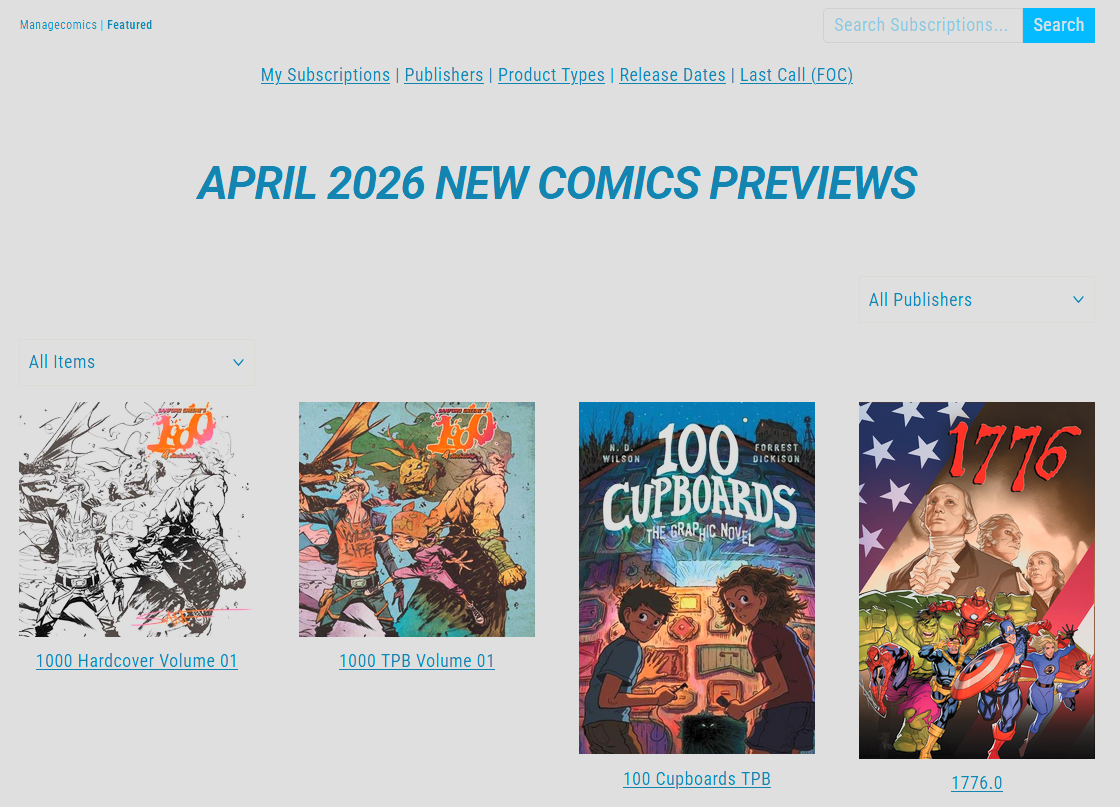
Browse by new release date. A list of every comic released on a given week. This is a list of everything that was offered, not a list of what your store has in stock.
Browse by FOC date. A list of titles by FOC date. FOC stands for Final Order Cutoff, which is usually about three weeks before the release date. Titles in subscription lists must be ordered before the FOC cutoff for the store to be sure of having copies.
The URL
The browse pages take a date parameter, so you can link directly to a specific week:
https://yourstore.com/pages/managecomics/featured?d=2026-05-01
You can use this URL pattern to point customers at upcoming weeks, for example in a monthly previews email. The previews lists themselves are generated automatically on the Manage Comics backend.
Related
Previews Email — sending customers a link to upcoming releases.
Subscriptions, Pre-Orders, and Pulls — the customer's own account view.