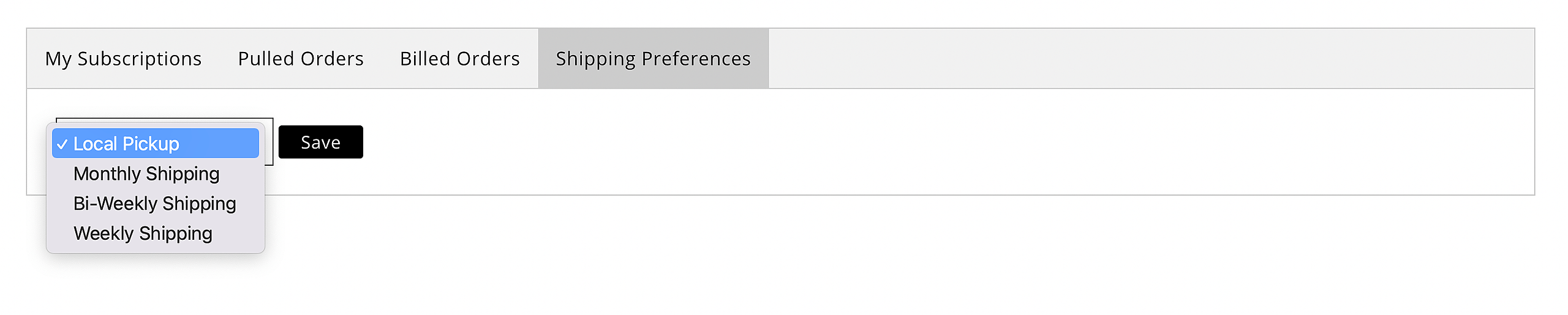
A logged-in customer sees three tabs on their Manage Comics page: My Subscriptions, Pulled Orders, Billed Orders and Shipping Preferences.
My Subscriptions
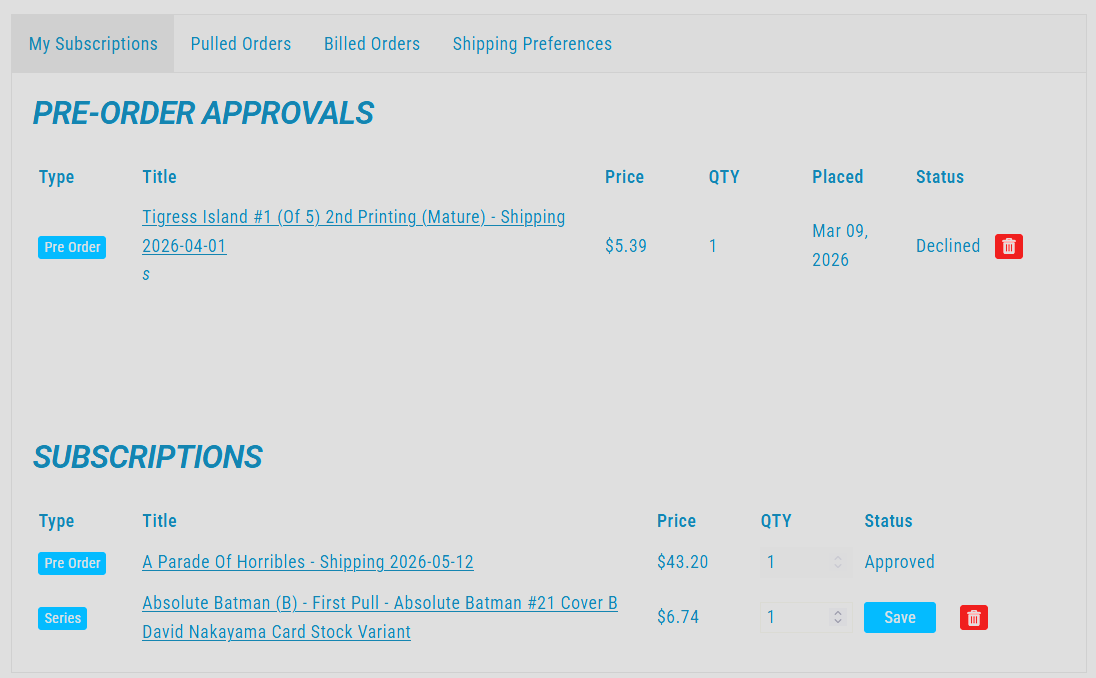
The list of ongoing series the customer is currently subscribed to, with their cover choice. From this tab, the customer can:
Switch cover choices.
Unsubscribe from a series.
Modify quantities
Review pre-orders.
Pulled Orders
This tab will show you orders that have been pulled for you in the past.

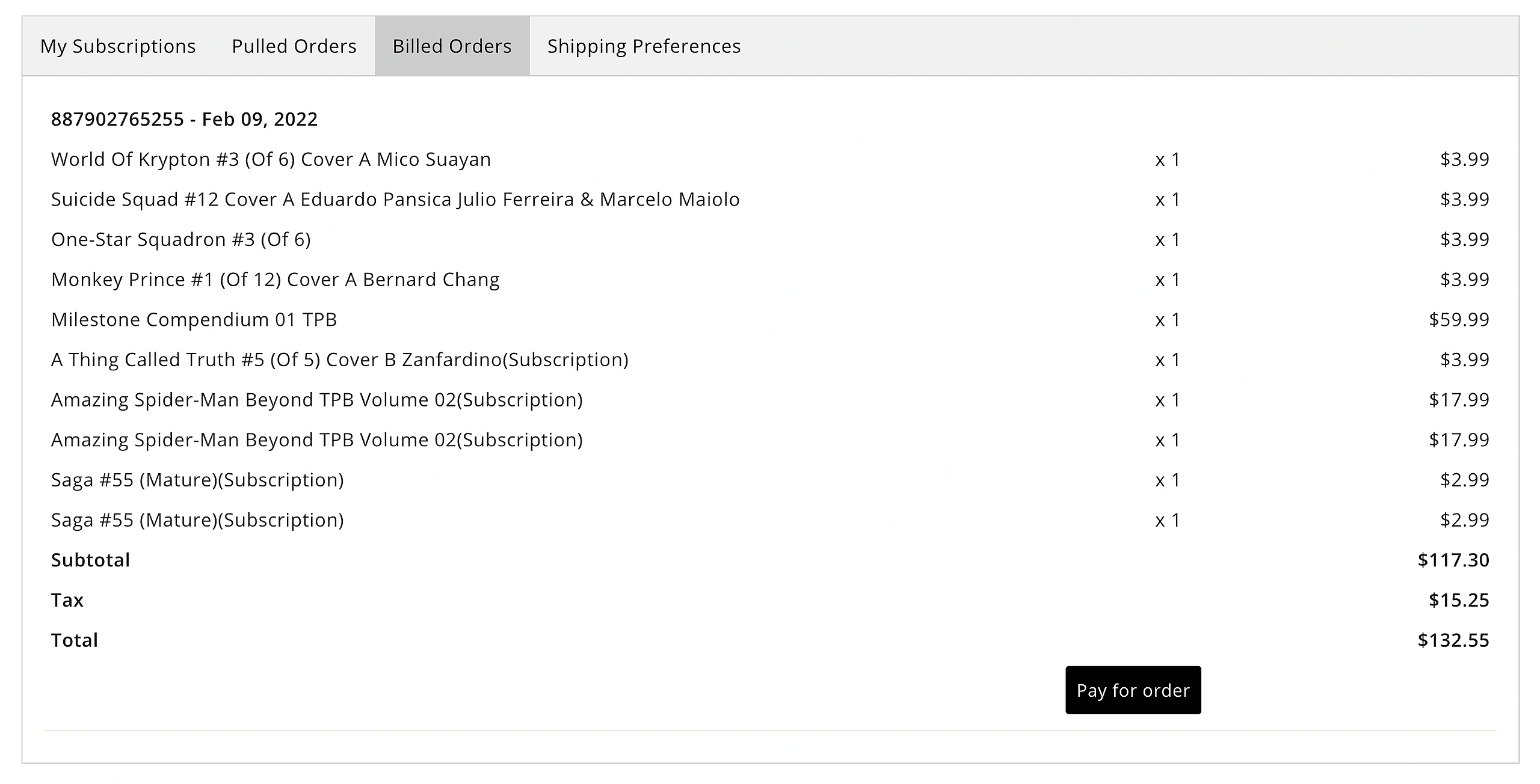
Billed Orders
This will show you anything that is ready to be paid, along with the link to pay for your orders.
Shipping Preferences
Lets you change your shipping preferences based off of what the store offers.