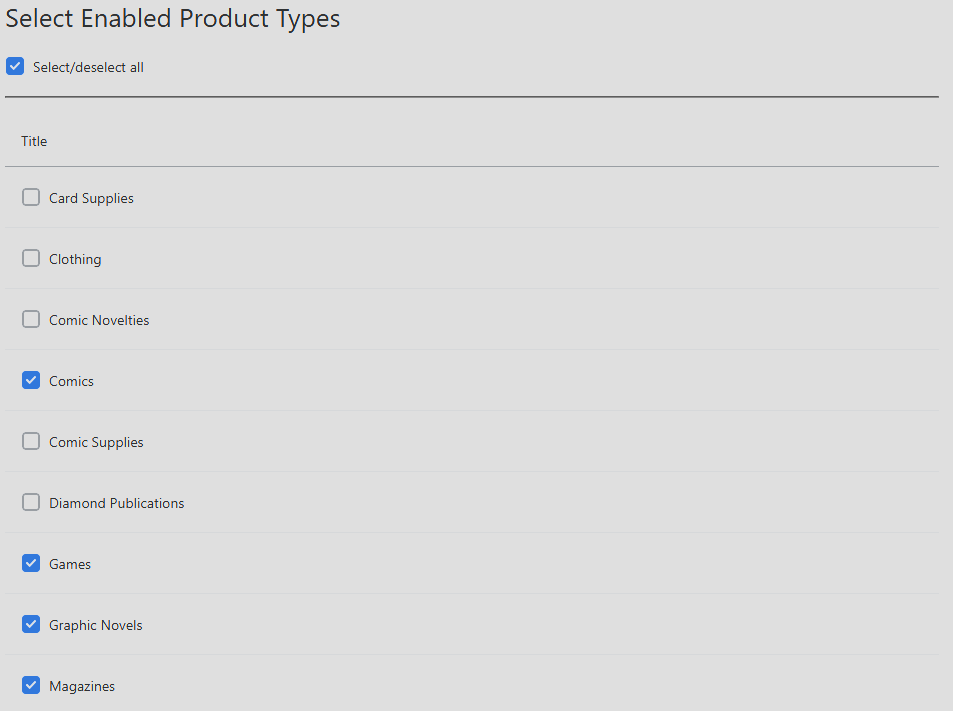
Selecting Product Types tells Manage Comics which types of product will be displayed to your customers.
For ORDO/Shopify stores, this Product Types can assign specific products to collections, allowing for custom Shopify collection rulesets.
By default, all Product Types will be enabled.
ORDO/Shopify - Product Collections
When selecting a product type, you have the option to automatically assign all imported products of that type to any number of your Shopify collections.

This is useful for sorting of inventory and automatic display, such as a Toy or Graphic Novels section.
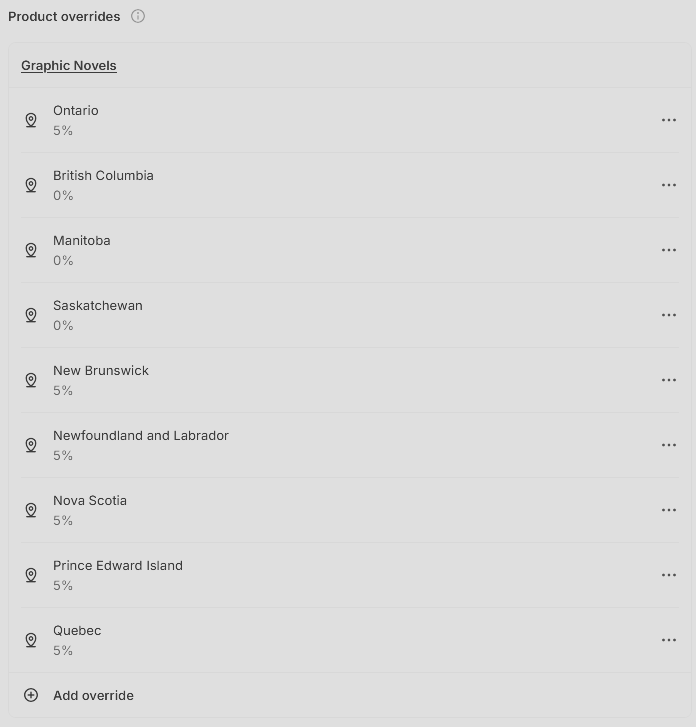
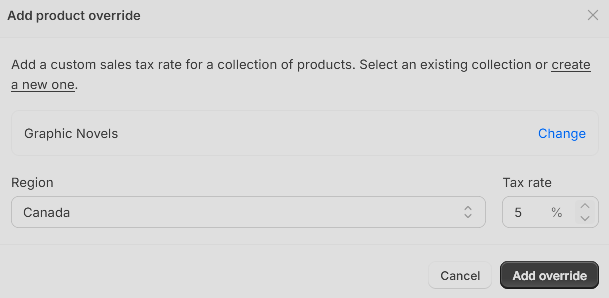
Product collections additionally allow for customization of overrides such as Tax Rates and Exemptions. For example, in Canada, Graphic Novels are taxed at 5% in all but three provinces, rather than the full HST rate of 13%.
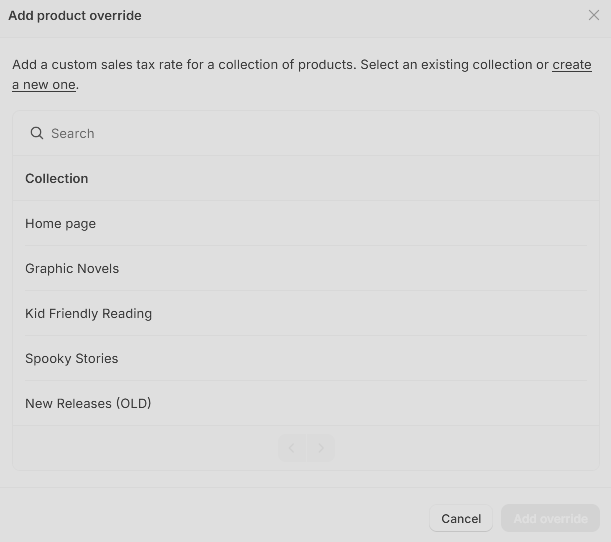
Tax overrides can be assigned in Shopify under Settings > Taxes and Duties, where you can set custom overrides.